
Easeline
See your day as time blocks. Move them with one touch.
See your day as time blocks. Reschedule with one touch, guilt-free.


Screenshots
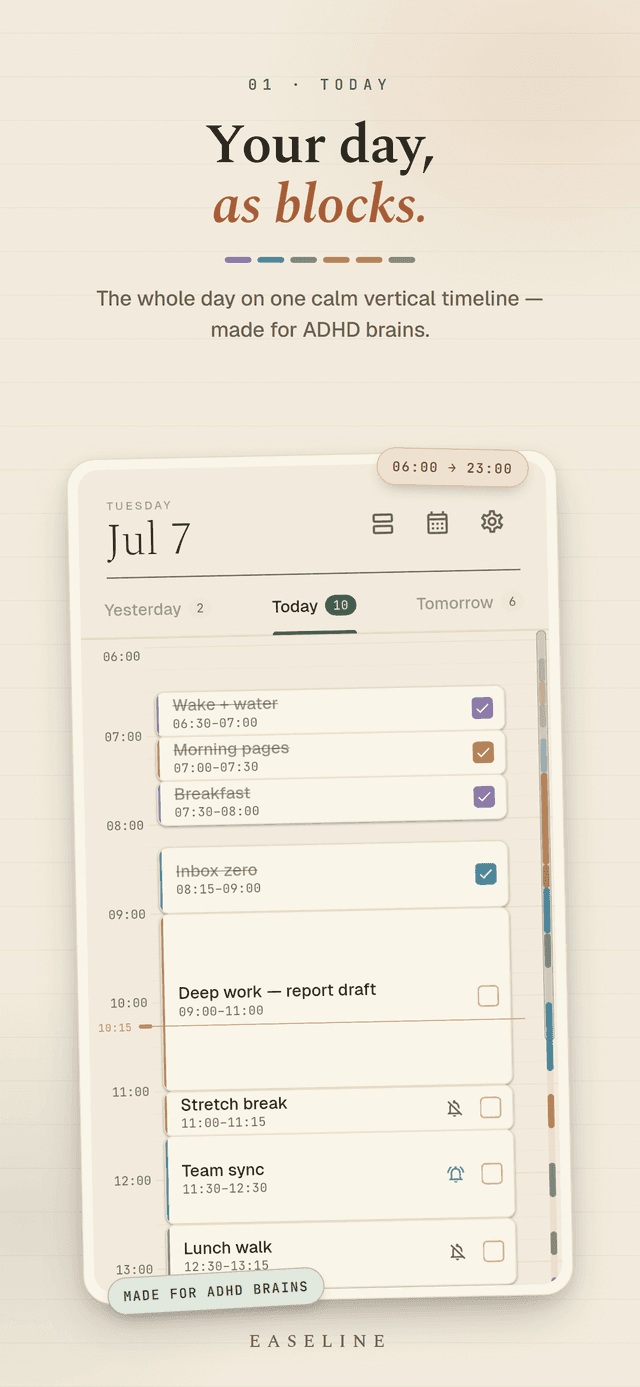
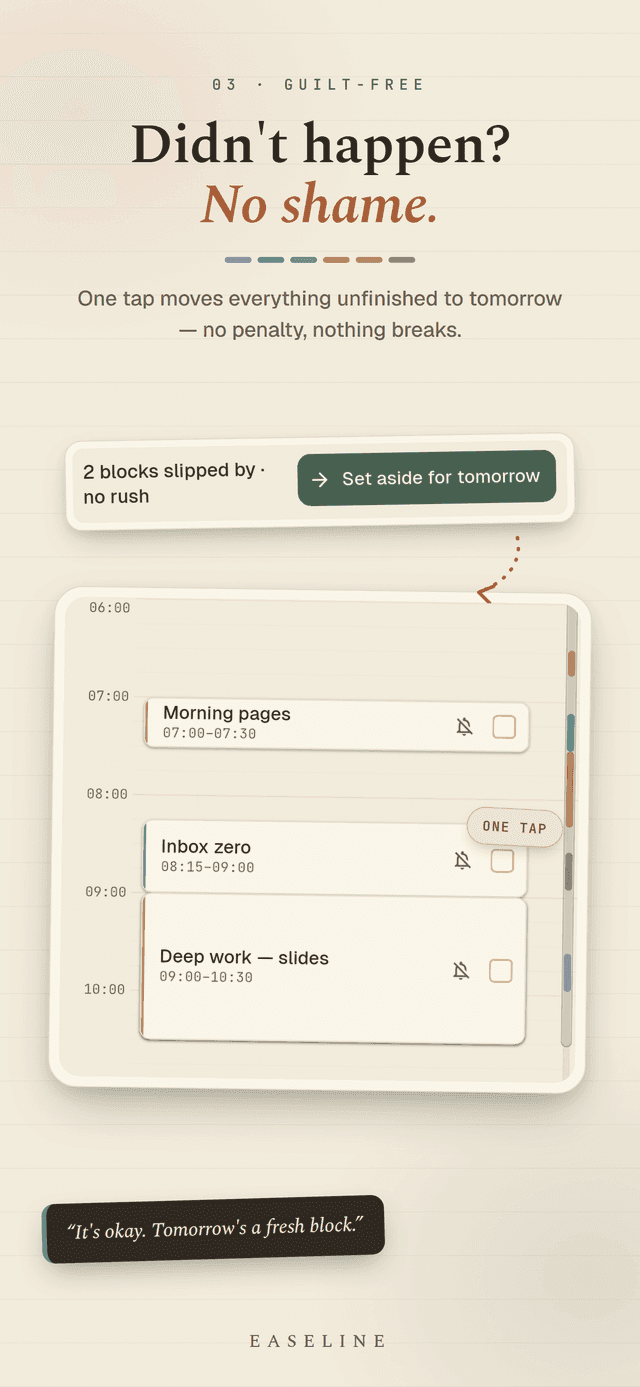
Staring at a long to-do list and freezing? Easeline is a visual day planner built for ADHD brains. Your day becomes a vertical timeline from 6 AM to 11 PM. Each task is a colored time block you can see, drag, and check off. When the day gets away from you - and it will - you move what you missed to tomorrow with a single touch. No broken streaks. No guilt screens. Just a fresh block.
How it works
- 1Open the app - your day is already there as time blocks
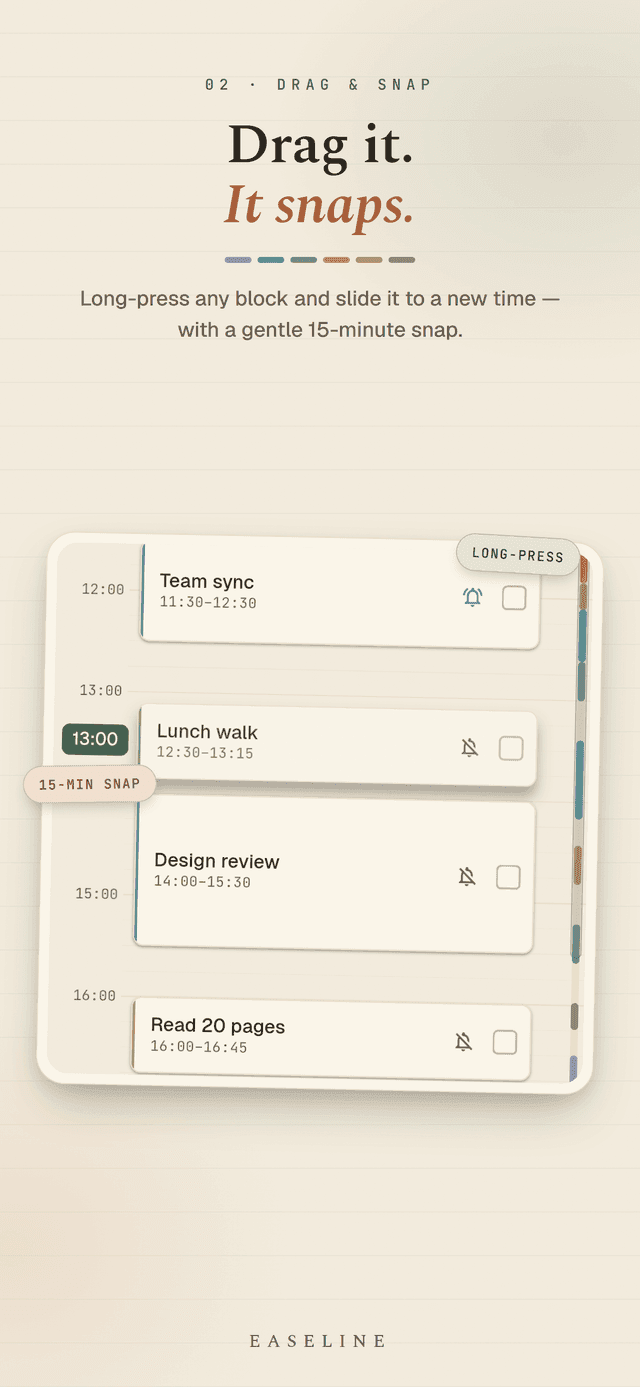
- 2Long-press a block and drag it to a new time (snaps to 15 minutes)
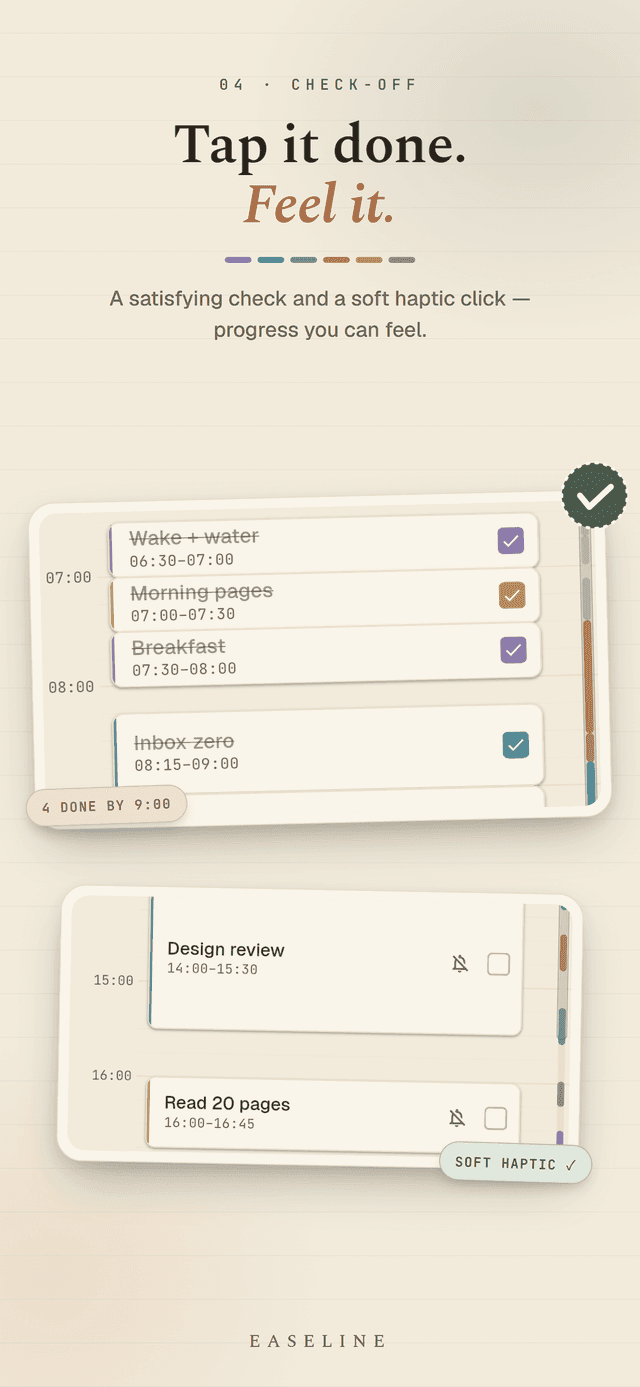
- 3Tap the checkbox when a block is done
- 4End of day? Roll every unfinished block to tomorrow with one button
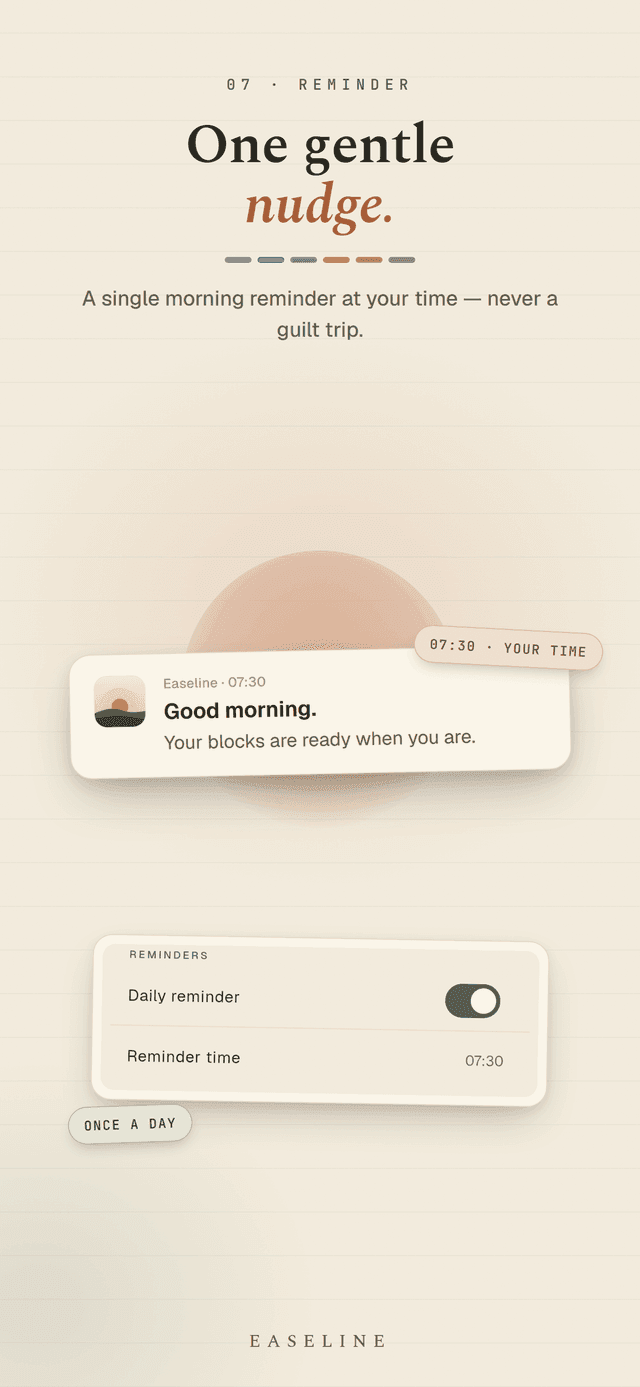
- 5A gentle morning reminder, on your schedule, in your words
Why it works for ADHD
- Visual, not a list - you see time, not a wall of text
- One-touch reschedule - missing a task is not a failure
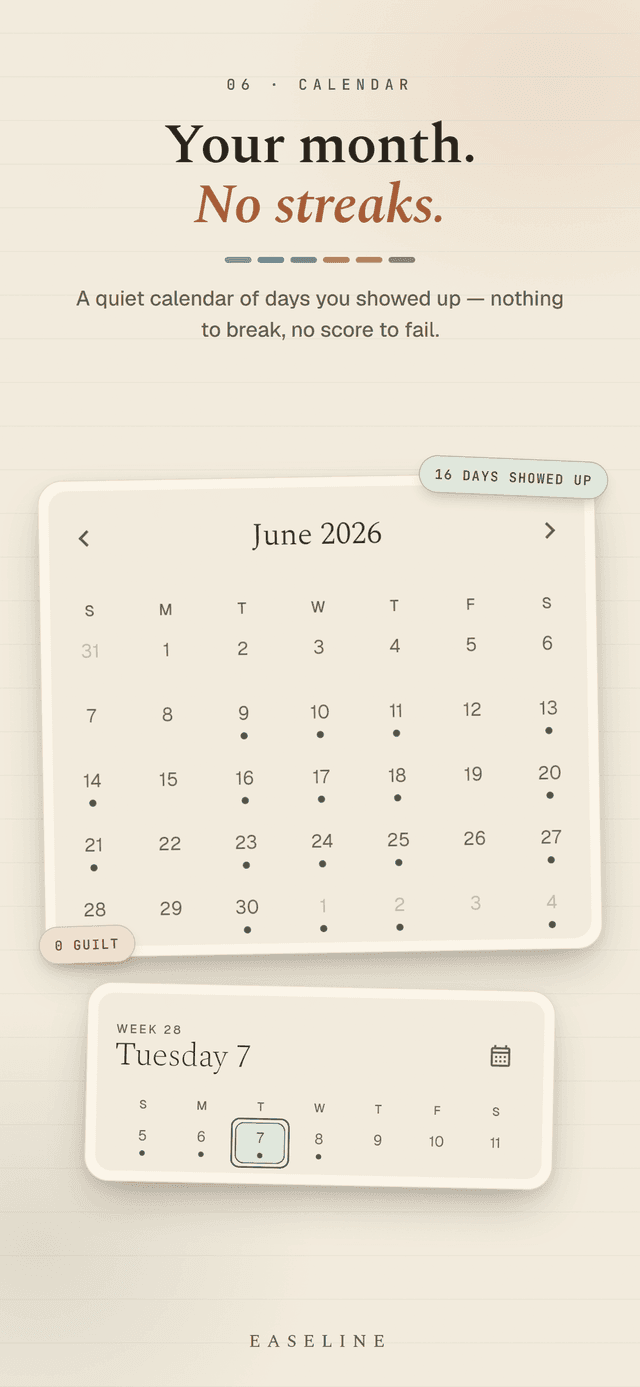
- No streaks, no shame UI - nothing to "break"
- Time-boxed blocks reduce the decision fatigue of an open day
- 60 seconds to your first win - no onboarding wall
What's inside
- A 17-hour visual timeline (6 AM–11 PM) with a live "now" line
- Four category colors: Work, Personal, Health, Other
- Drag-to-move blocks with haptic snap feedback
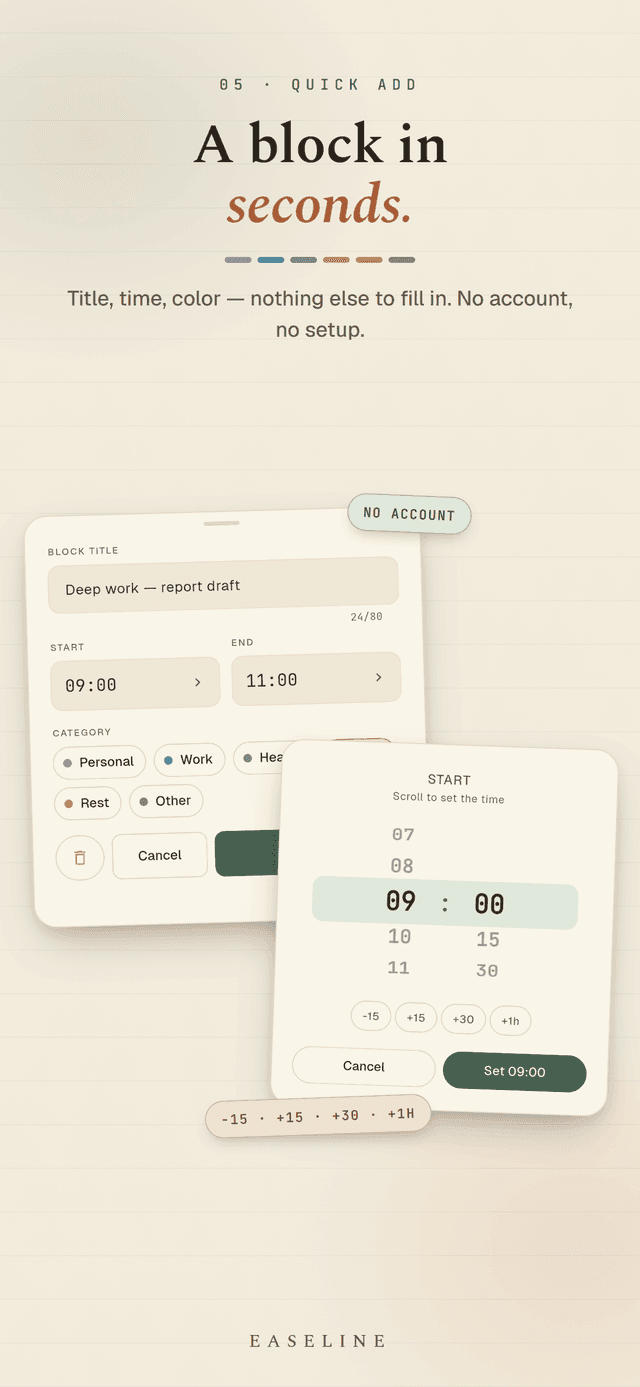
- Add, edit, and delete blocks - swipe to delete with undo
- A daily morning reminder you can turn on and time yourself
- A simple monthly calendar showing the days you showed up
- Light, dark, and system themes
- Six languages: English, 한국어, 日本語, Deutsch, Français, Español
Easeline is for adults with ADHD and anyone who finds traditional planners overwhelming. Your day, your blocks, your pace. Tomorrow is always a fresh block.
Frequently asked questions
Is Easeline free to use?
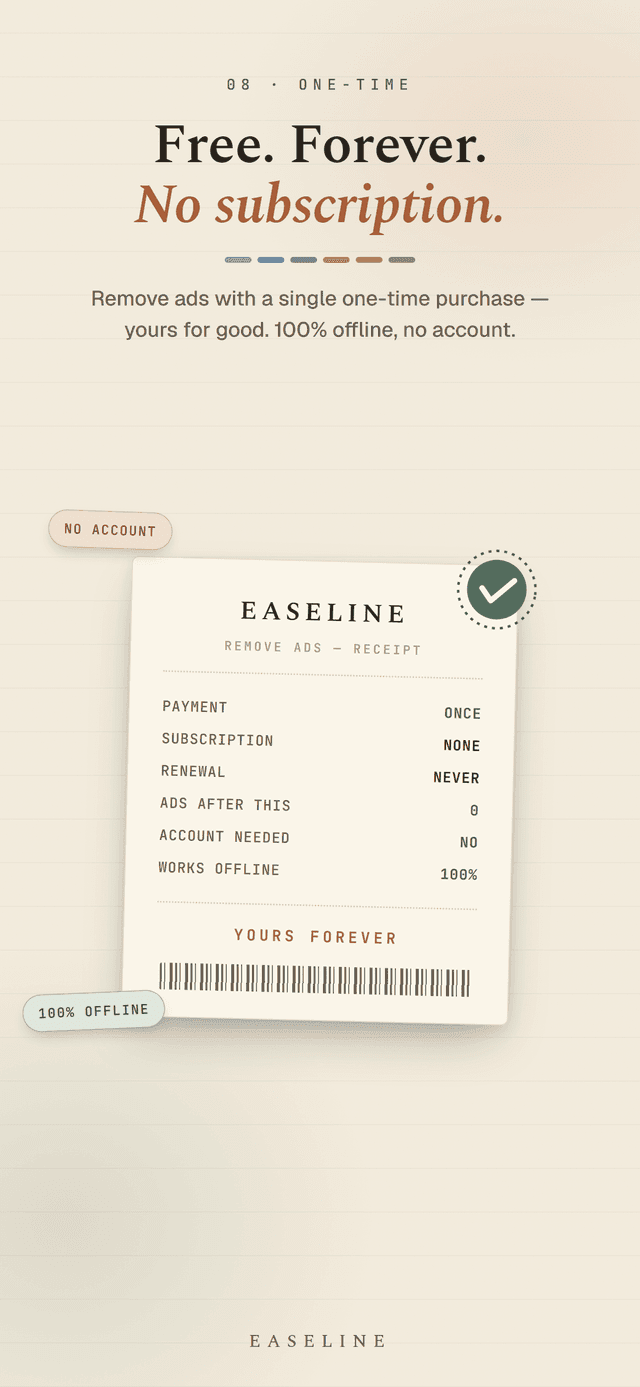
Yes. Easeline is free to download and use, supported by light, non-intrusive ads. There is one optional one-time purchase to remove ads forever - no subscription, no hidden fees.
Is Easeline good for adults with ADHD?
Yes. Easeline is built specifically for ADHD brains. Your day is visual instead of a list, every missed task can be moved with one touch, and there are no streaks or shame screens - nothing that can "break".
Do I need an account or an internet connection?
No. Easeline needs no account, no email, and no login. Every block and setting stays on your device, and the app works fully offline - only ads need a connection.
How long does it take to set up my day?
There is no onboarding wall - open the app, drag your first block onto the timeline, and you have your day set. Editing or rescheduling later takes a single long-press and drag.
Which devices is Easeline available on?
Easeline is available on both Android via Google Play and iOS for iPhone via the App Store.