Hueprint
Photo to art, true skin tones
Bring your photos to life. Paint by number with skin tones that stay alive.


Screenshots
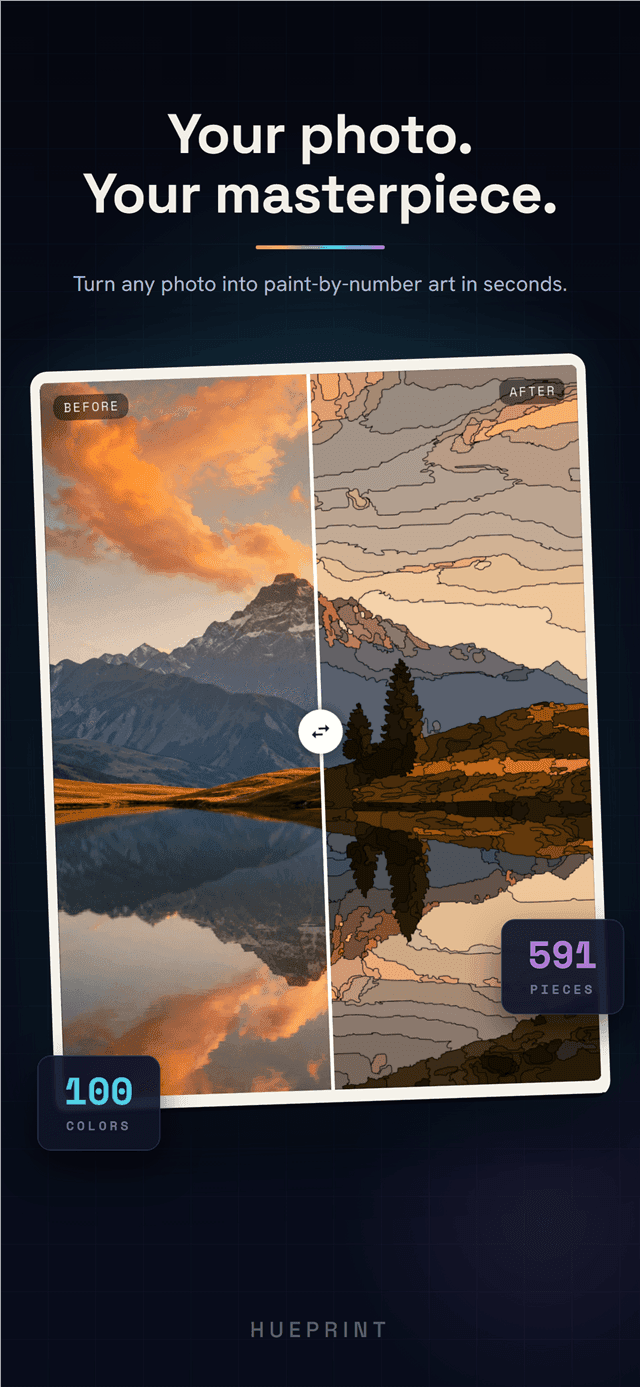
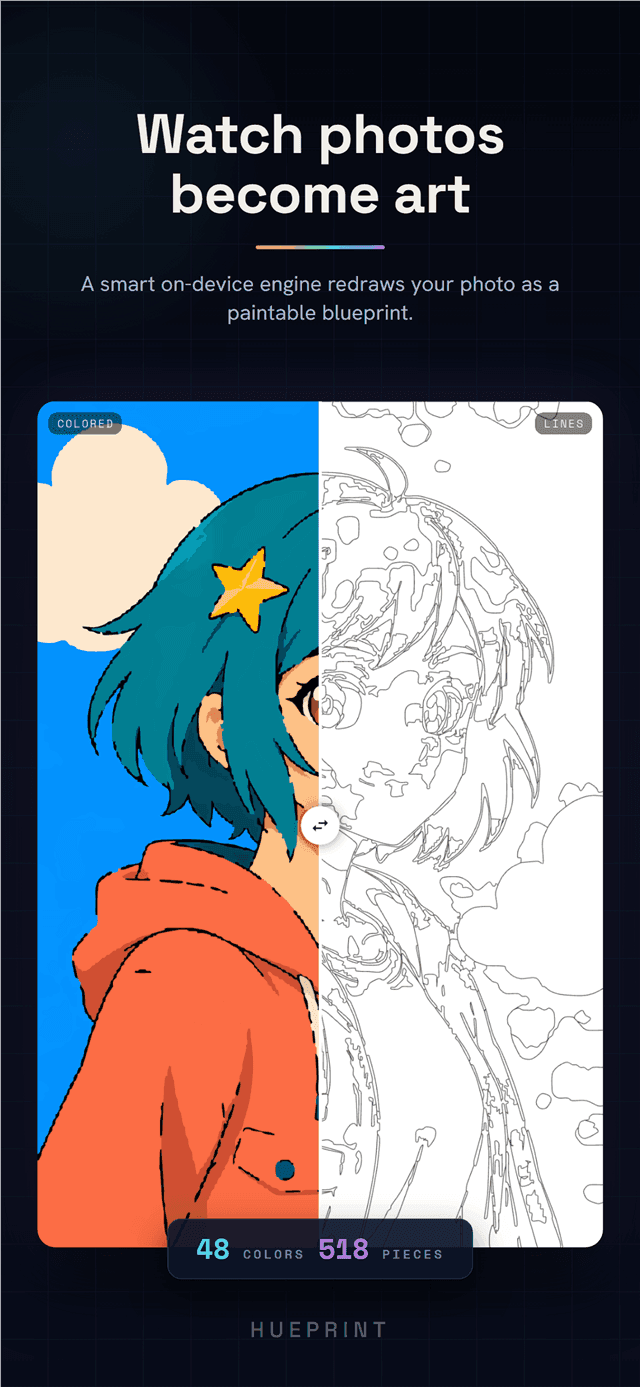
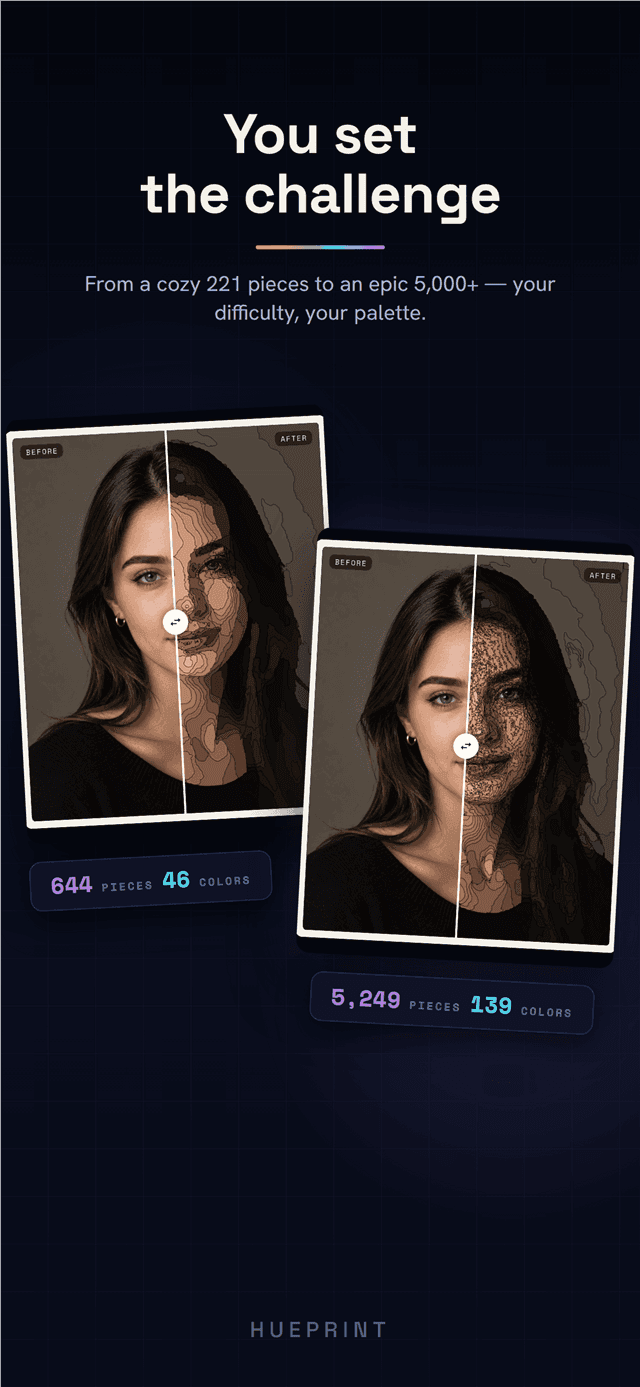
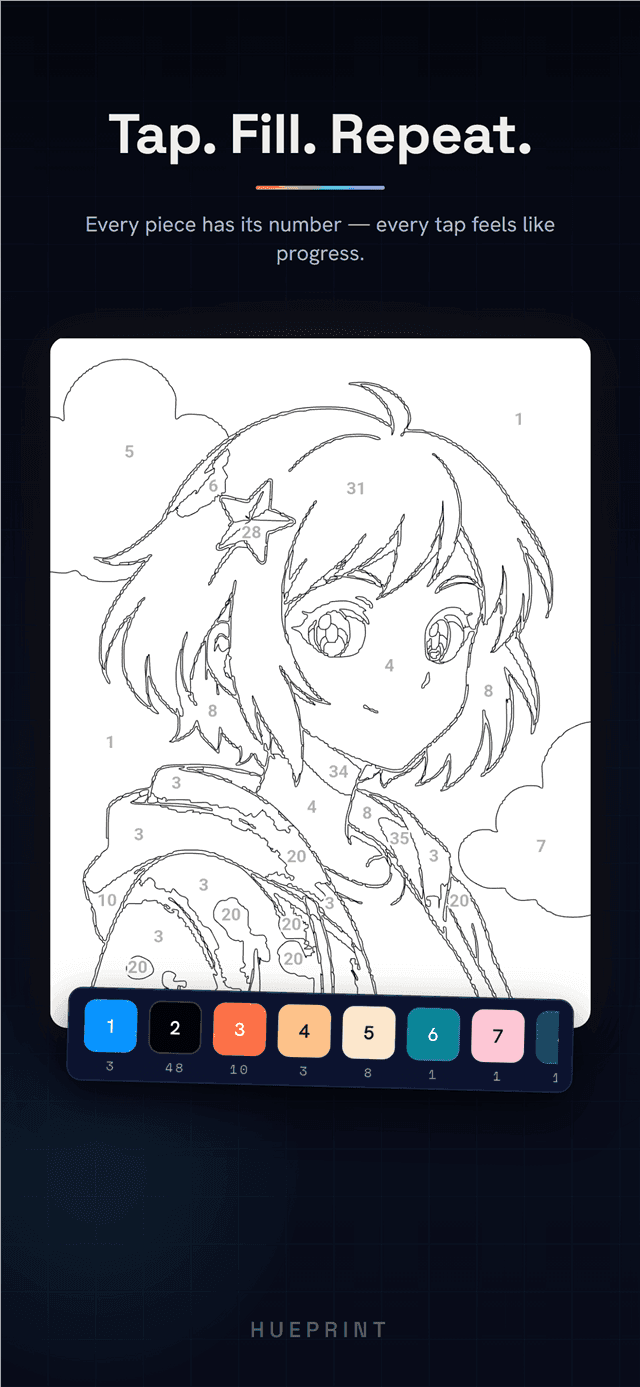
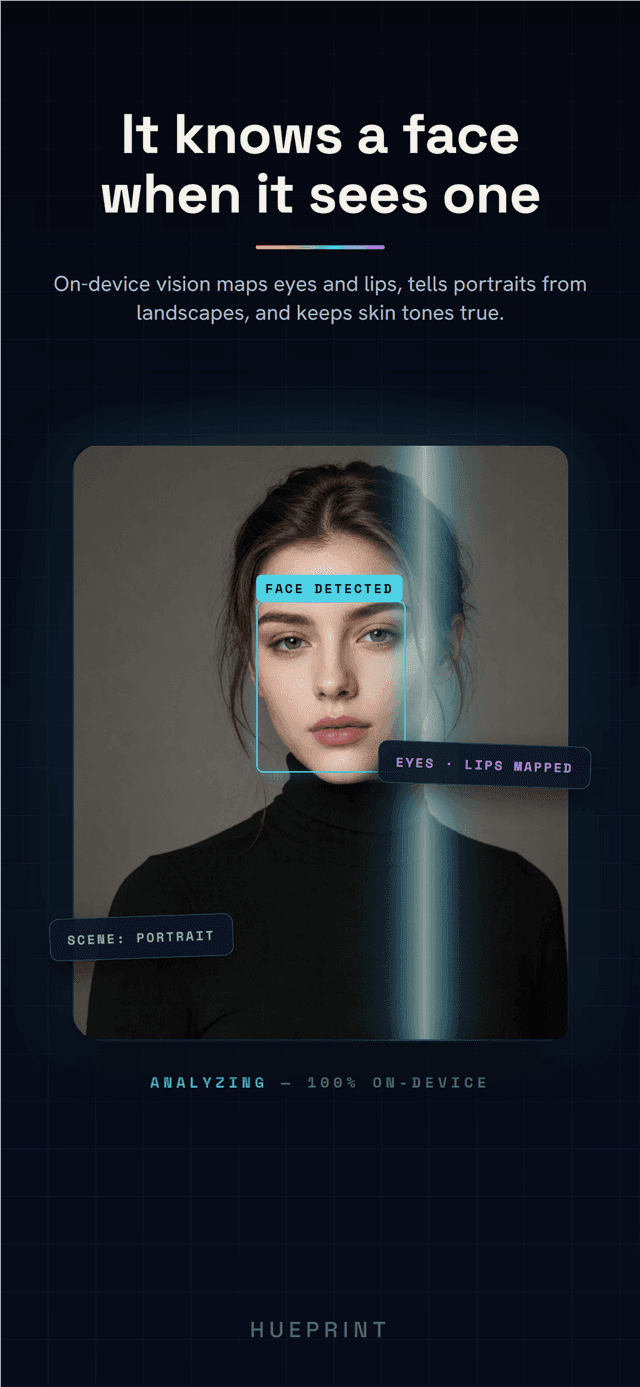
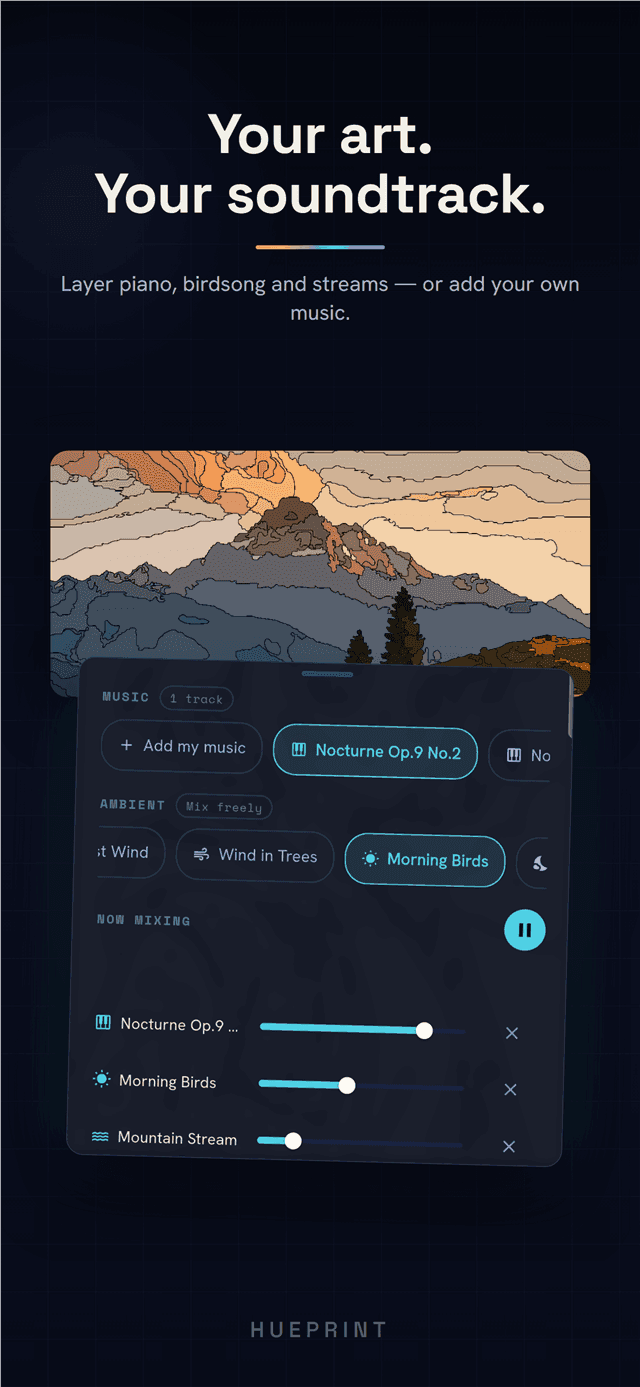
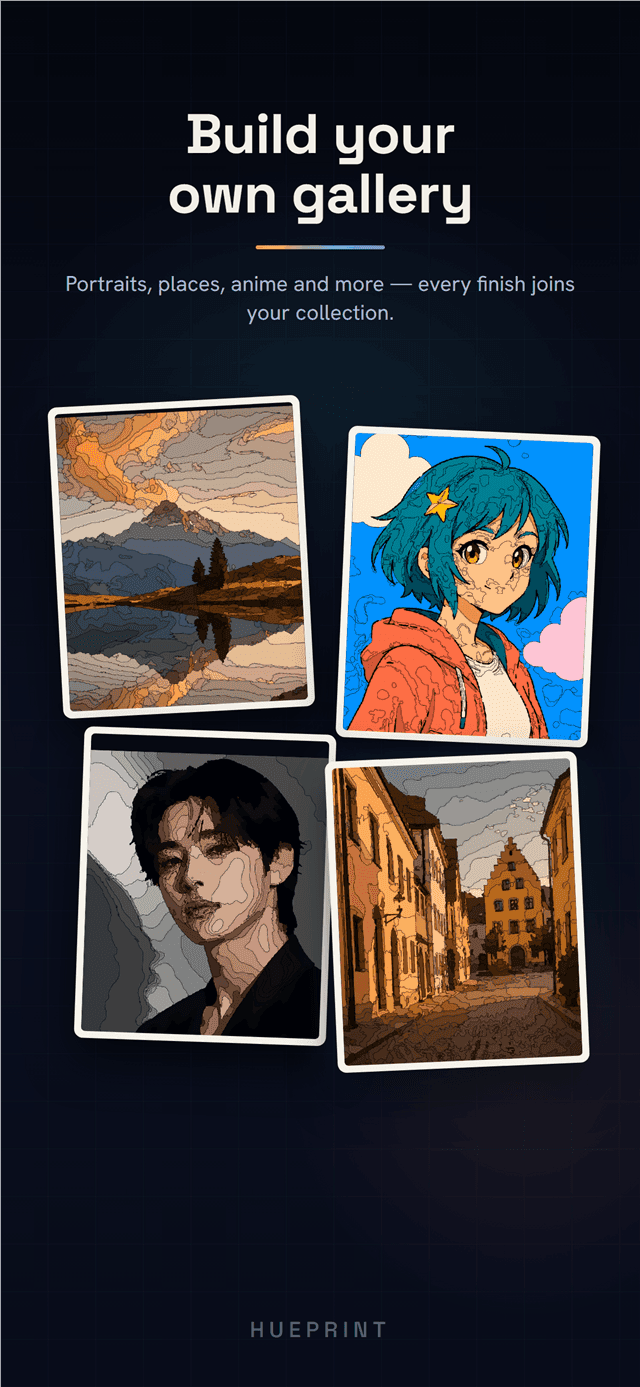
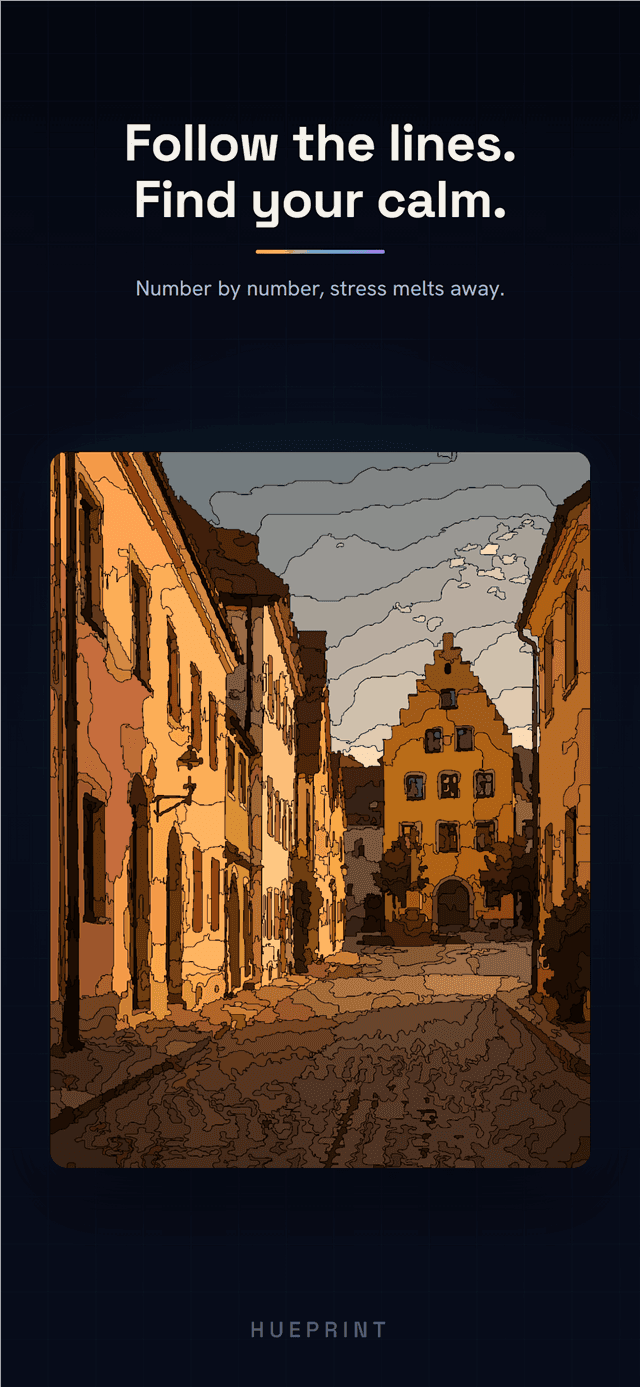
Hueprint turns your own photo - a face, a family portrait, a pet, or a favorite landscape - into a clean, hand-paintable numbered artwork. Everything happens on your device. Your photo is never uploaded, and no account is required.
How it works
- 1Pick a photo - a face, a family portrait, a pet, or a favorite landscape.
- 2Hueprint converts it on your device into a clean, numbered template that keeps skin tones natural.
- 3Tap a region to color it instantly - clean fills that never slip outside the lines.
- 4Finish the piece honestly and export a Rank Card with a sealed QR code anyone can verify.
Why Hueprint is different
- Perceptual color science plus on-device portrait detection keep eyes, lips, and skin tones warm, never muddy or gray.
- 100% on-device - your photo is never uploaded, and no account is ever required.
- One-tap painting fills each region instantly - satisfying, mistake-proof coloring.
- A rank system with QR-verified Rank Cards proves every piece was finished the honest way.
What's inside
- Perceptual color quantization with on-device person segmentation for natural skin tones
- One-tap fill painting - every region colors instantly, never outside the lines
- From a few hundred pieces to 5,000+ - detail and color sliders set your challenge
- Adjustable color count, detail, and face-precision sliders
- A rank system from Novice to Virtuoso, with QR-verified Rank Card export
- Export high-quality artwork and back up your projects to your own cloud
Turn today's photo into tomorrow's artwork - painted by you, one piece at a time.
Frequently asked questions
Is Hueprint free?
Yes. Hueprint is free with light, non-intrusive ads. An optional one-time Hueprint Pro purchase removes ads and unlocks everything - there is no subscription.
Does my photo get uploaded?
No. Hueprint processes everything on your device. Your photo is never uploaded, and no account is required.
Who is Hueprint for?
Anyone who wants to turn a meaningful photo - a face, a family portrait, a pet, or a favorite landscape - into a hand-painted artwork.
How long does a conversion take?
About ten seconds on a typical phone. Pick a photo, adjust the settings you want, and Hueprint generates your numbered template right on your device.
Which platforms is Hueprint on?
Hueprint is available on both Android and iOS, on phone and tablet.