
Minecome
Mine your income by the second
Mine your income by the second. A simple, private money tracker.


Screenshots
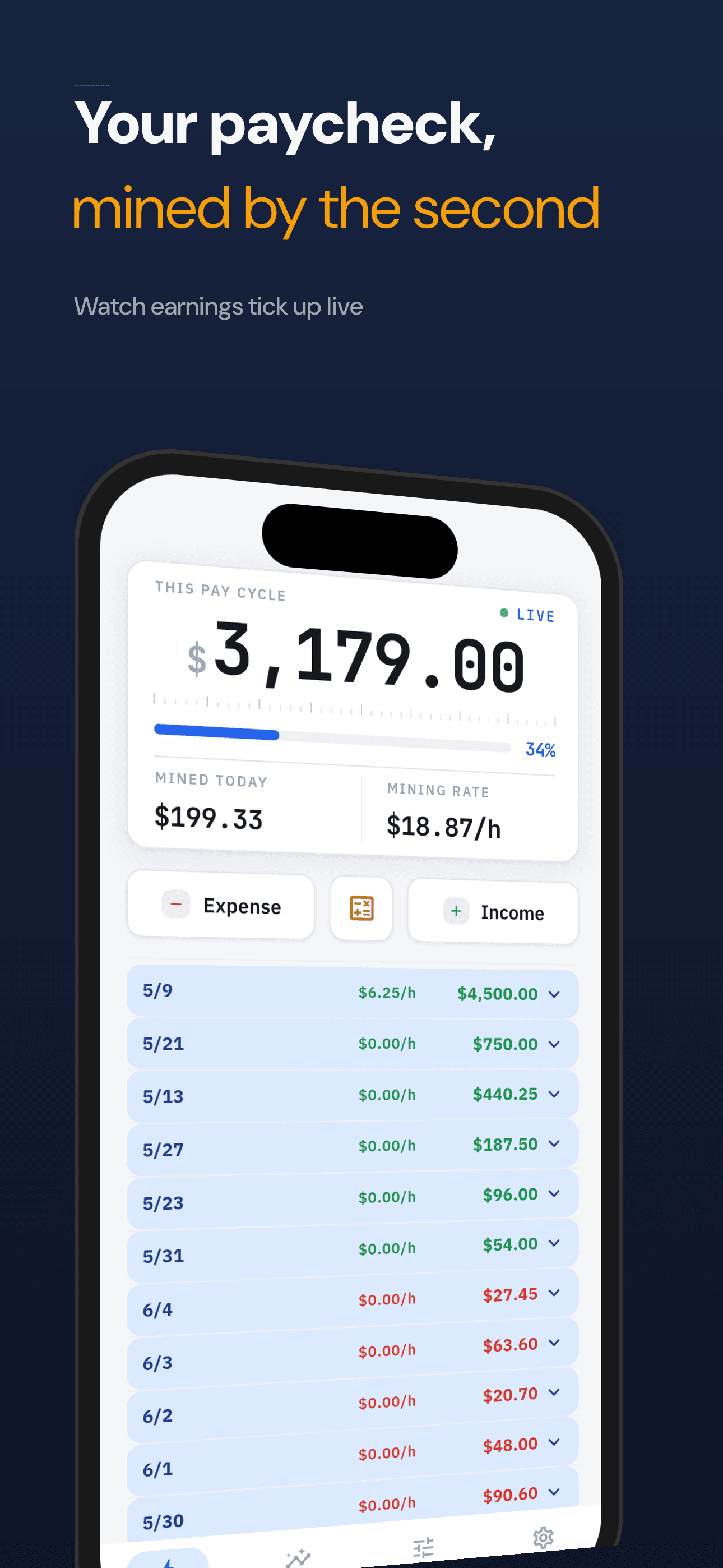
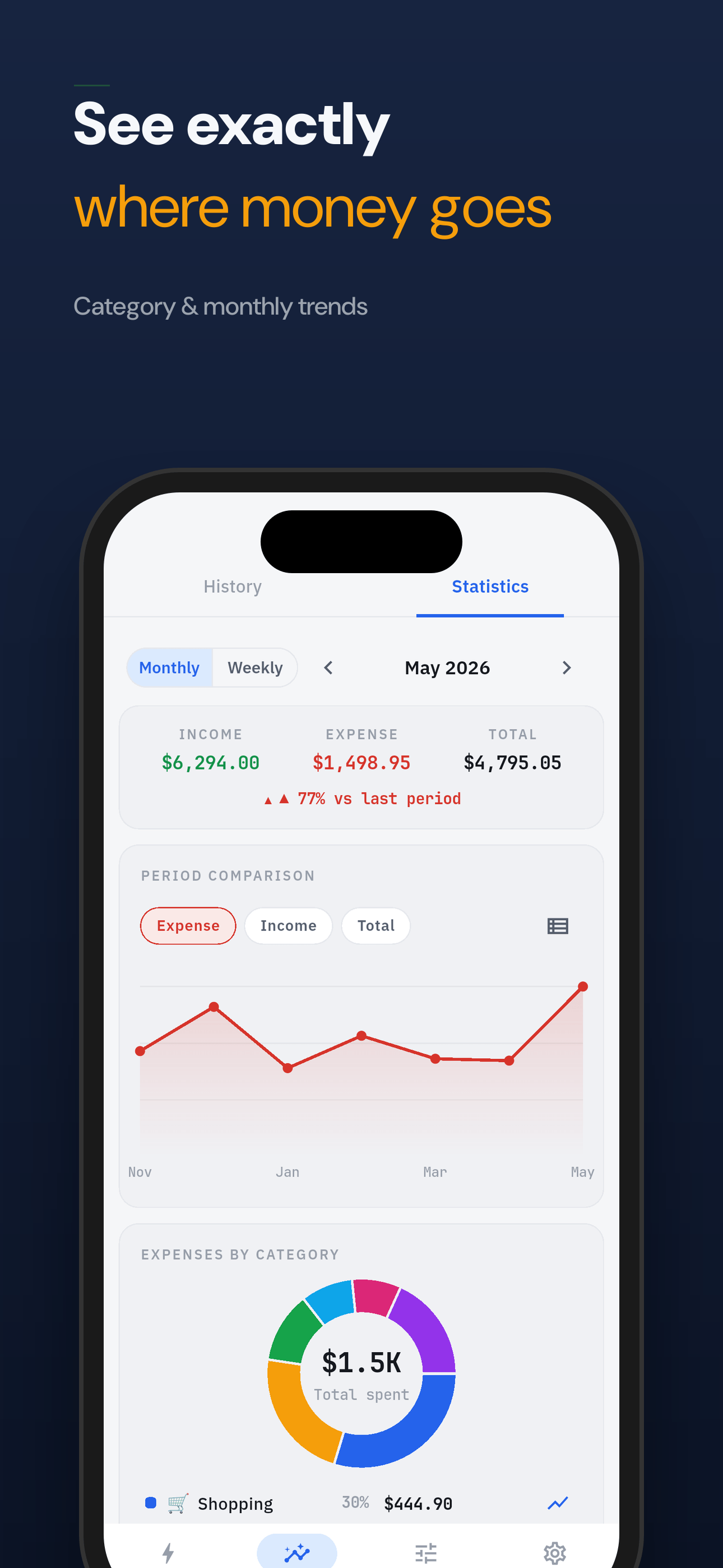
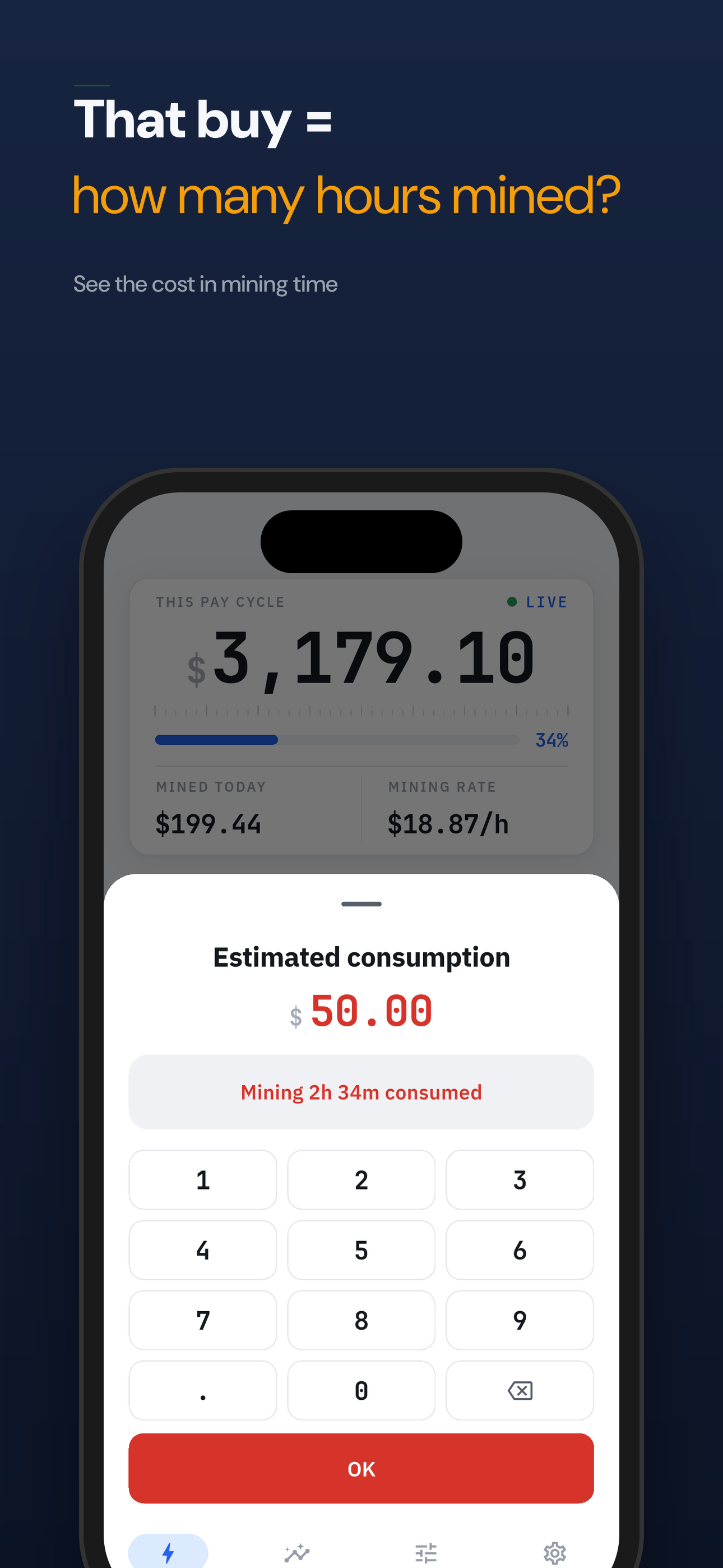
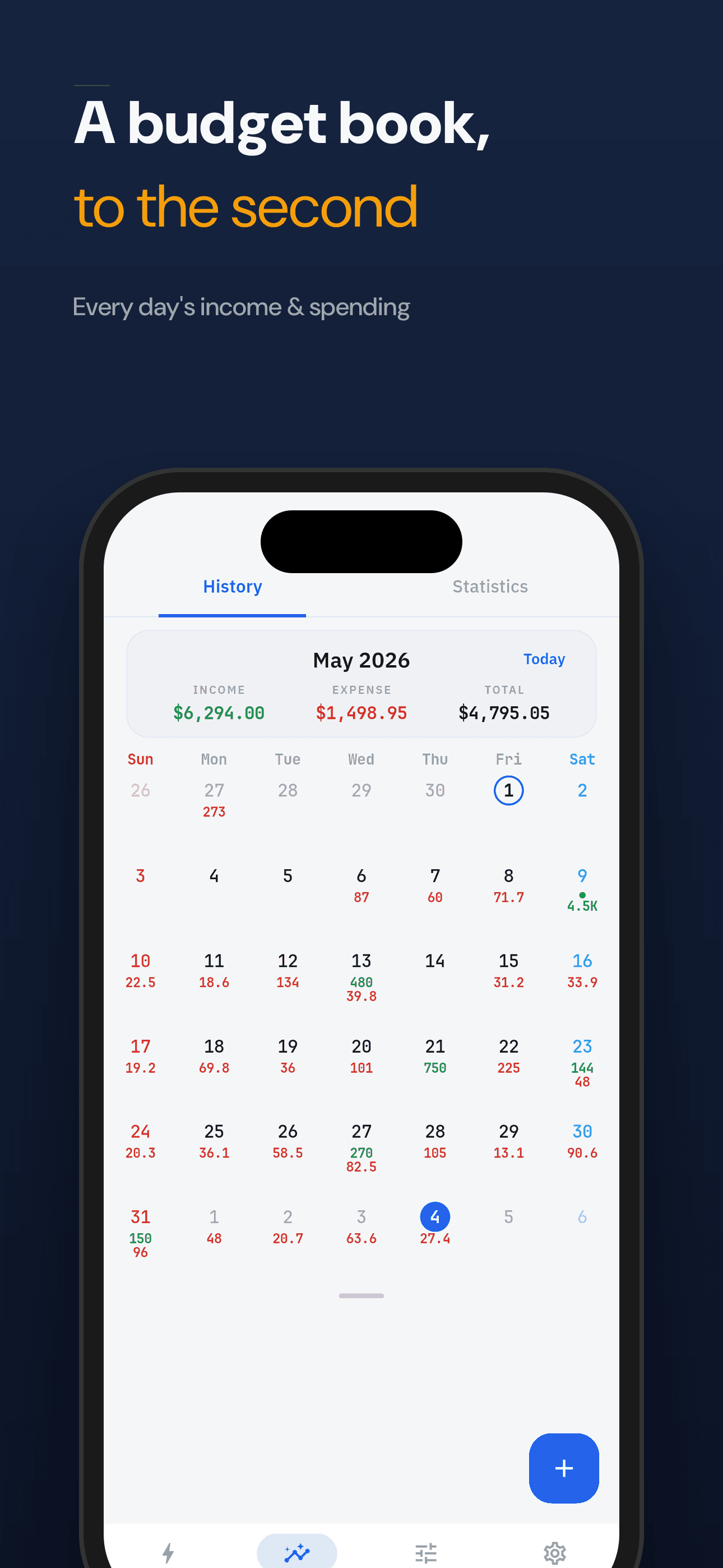

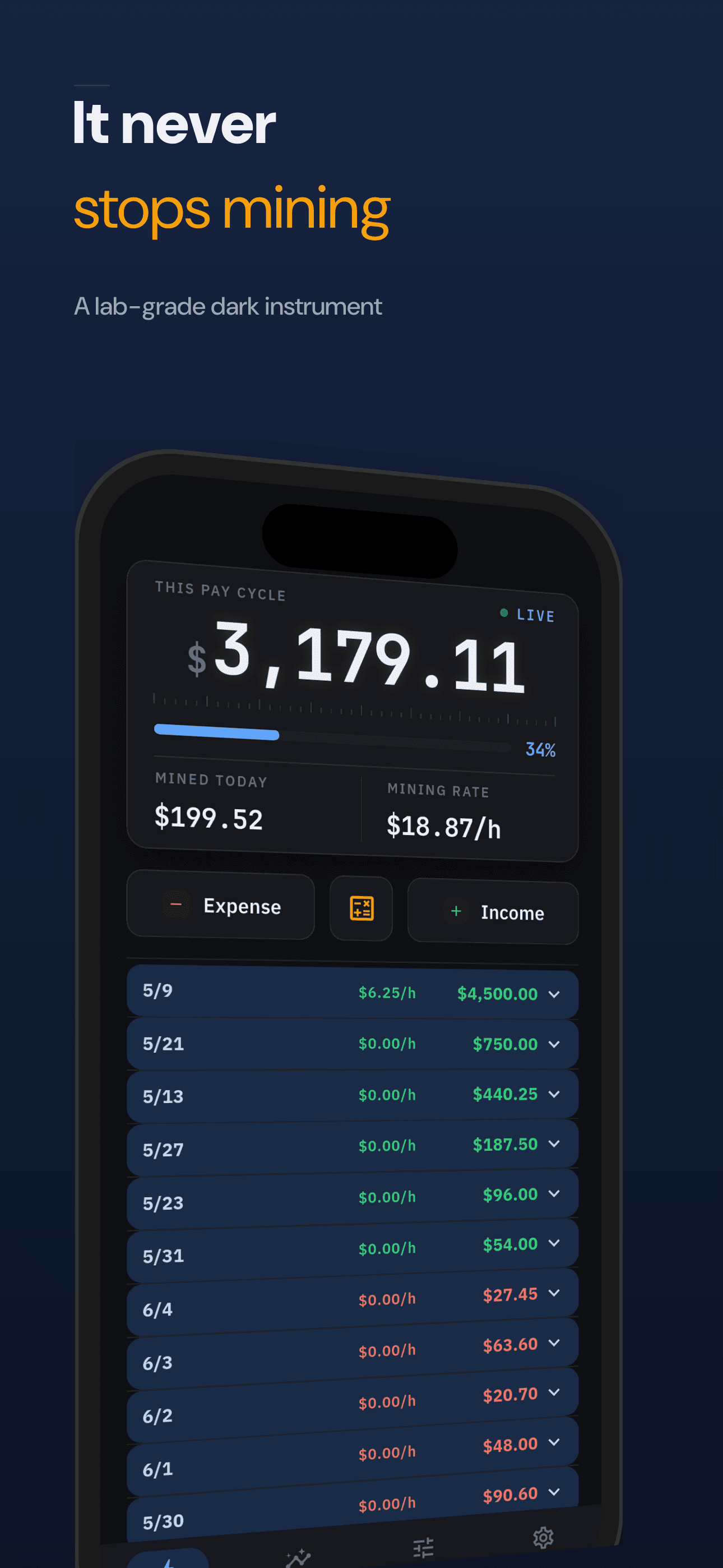
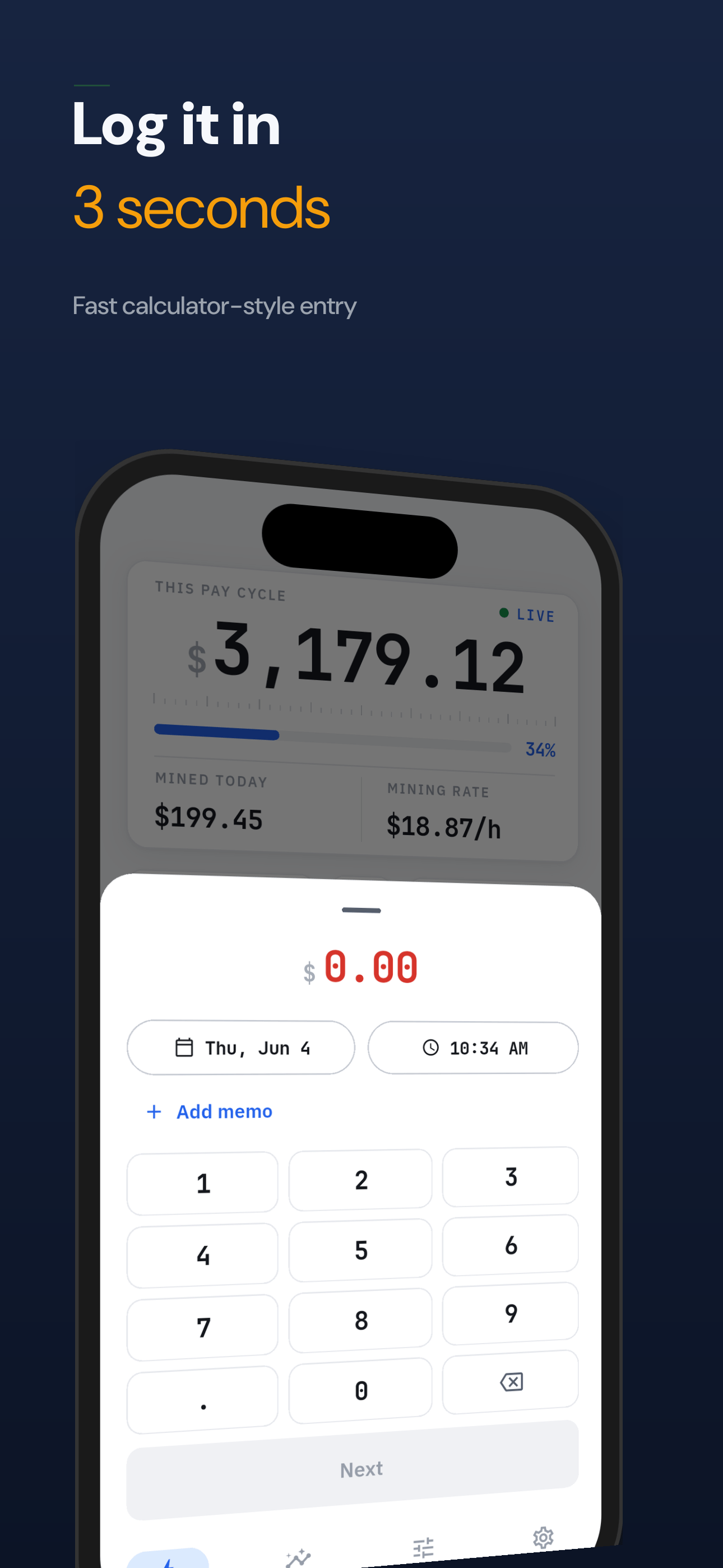
Watch your paycheck mine into your wallet, one second at a time. Minecome turns your salary into a live, per-second counter so you can finally feel what your time is worth, and lets you log a coffee, a bill, or a bonus in two taps.
How it works
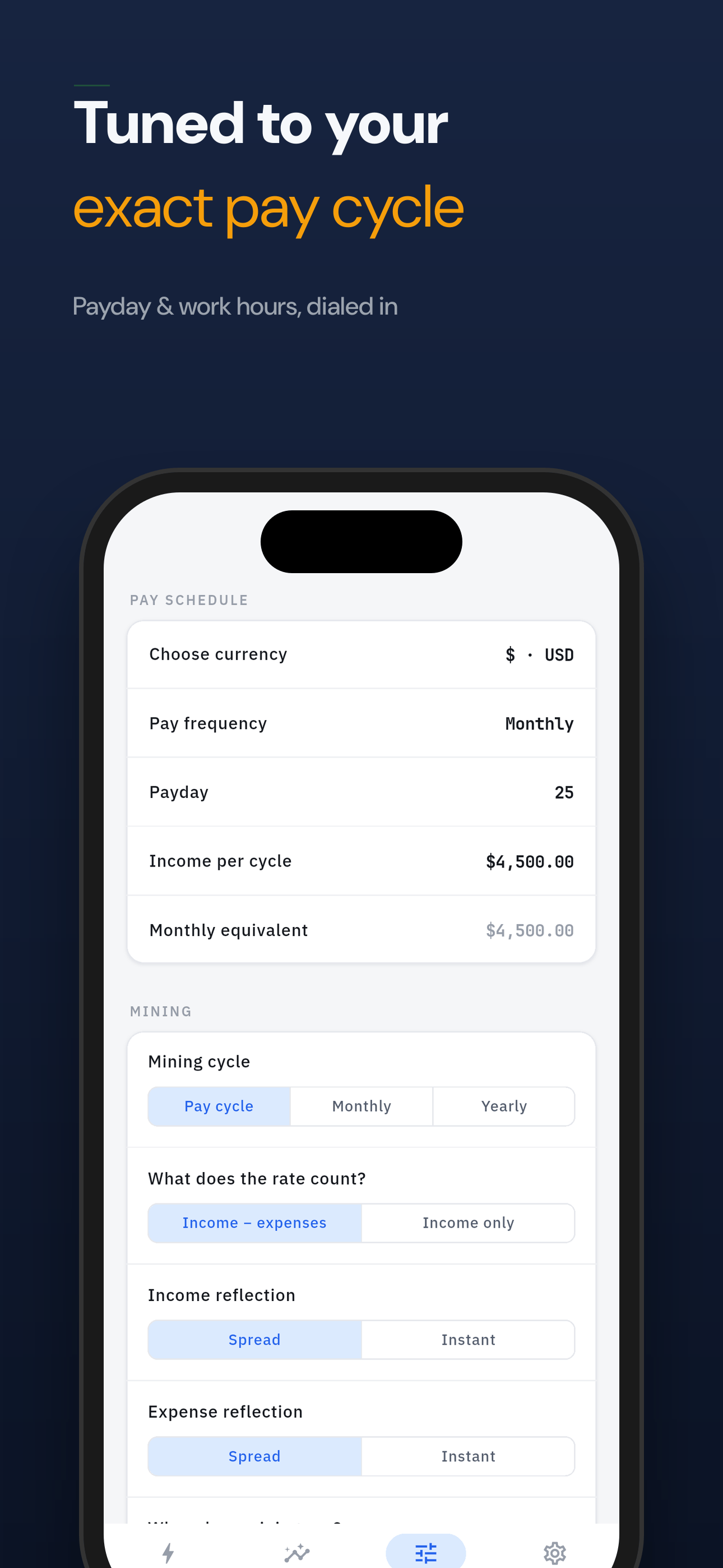
- 1Set your pay cycle and amount - weekly, biweekly, monthly, or yearly.
- 2Pick a mining mode: gross or net income, your session window, and 24h or work-hours-only.
- 3Watch the per-second counter mine your income in real time on the home screen.
- 4Log expenses and income in two taps with the Amount-First keypad or your voice.
Why it changes how you spend
- Seeing money move every second makes the value of your time tangible.
- Two-tap logging keeps you aware of spending without breaking your day.
- Your own history matching fills in the category in one tap - no guessing.
- Private and on-device, so there is nothing to fear about linking accounts.
What's inside
- Per-second mining counter from your real pay cycle
- 3-dimension mining mode: gross or net, session window, 24h or work-hours
- Amount-First entry: 12-key keypad, inline math, and voice input
- Your own similar-amount history matching
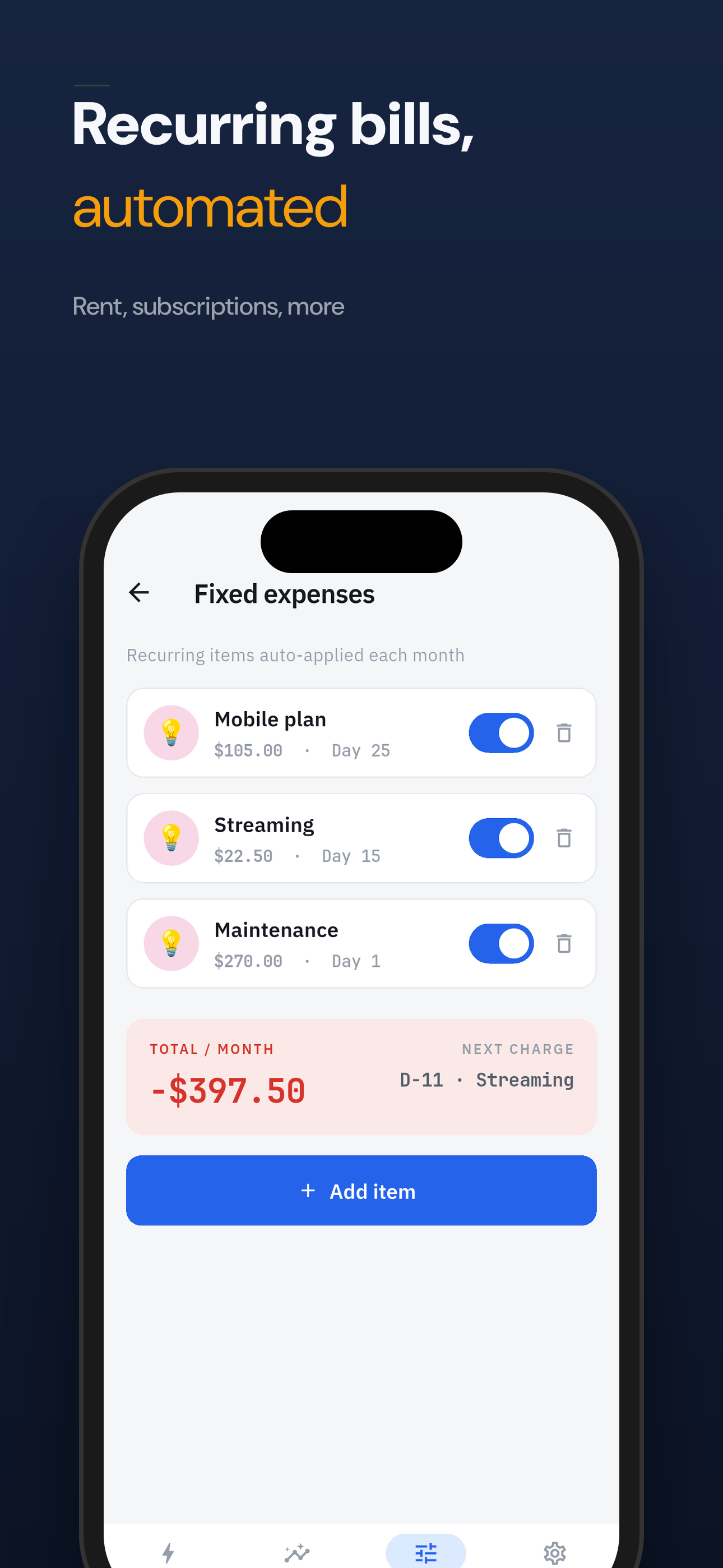
- Fixed income and expenses that apply themselves each month
- A clean ledger with day grouping and 5 charts, in 93 currencies
Start mining your income today and see every second add up.
Frequently asked questions
Is Minecome free?
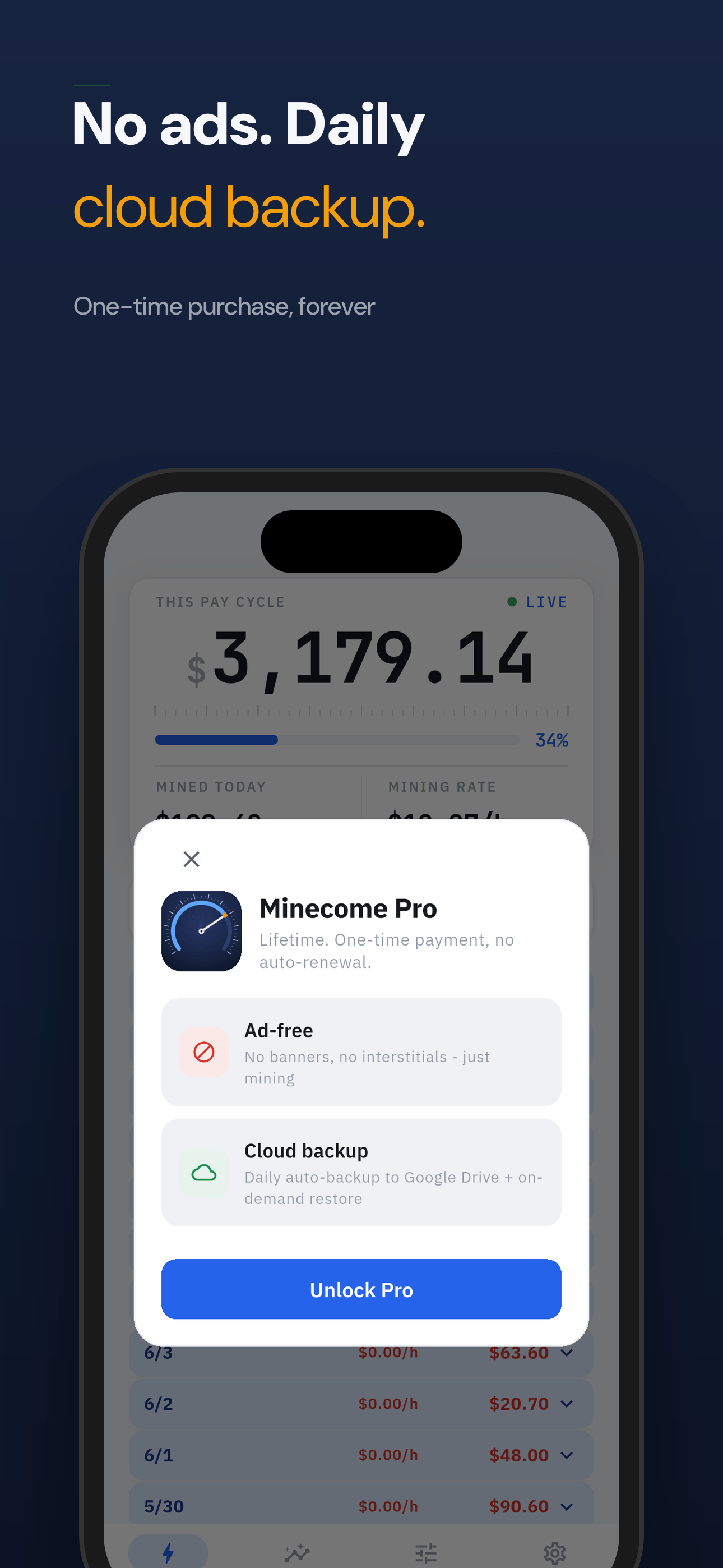
Yes. It is free with light, non-intrusive ads. A one-time purchase removes ads forever and unlocks Pro features like automatic cloud backup. There is no subscription and no hidden fees.
Who is it for?
Anyone with a salary who wants to feel what their time is worth and stay in control of daily spending. You enter your own amounts, so it works whether you are paid weekly, monthly, or yearly.
Do I need an account? Does it work offline?
No account is required and there is no bank or card linking. Your entries stay on your device and the app works offline. Optional cloud backup goes to your own Google Drive or iCloud, never to us. You can also export your data to CSV.
How long does it take to set up?
About 10 seconds. Pick your currency (auto-detected from your region), enter your pay cycle and amount, choose a mining mode, and the per-second counter starts.
Which platforms is it on?
Android is available on Google Play. The iOS version is also available on the App Store.