
Studial
The study timer that checks instead of taking your word for it
See the hours you actually studied. Checked every 30 seconds, never guessed.


Screenshots
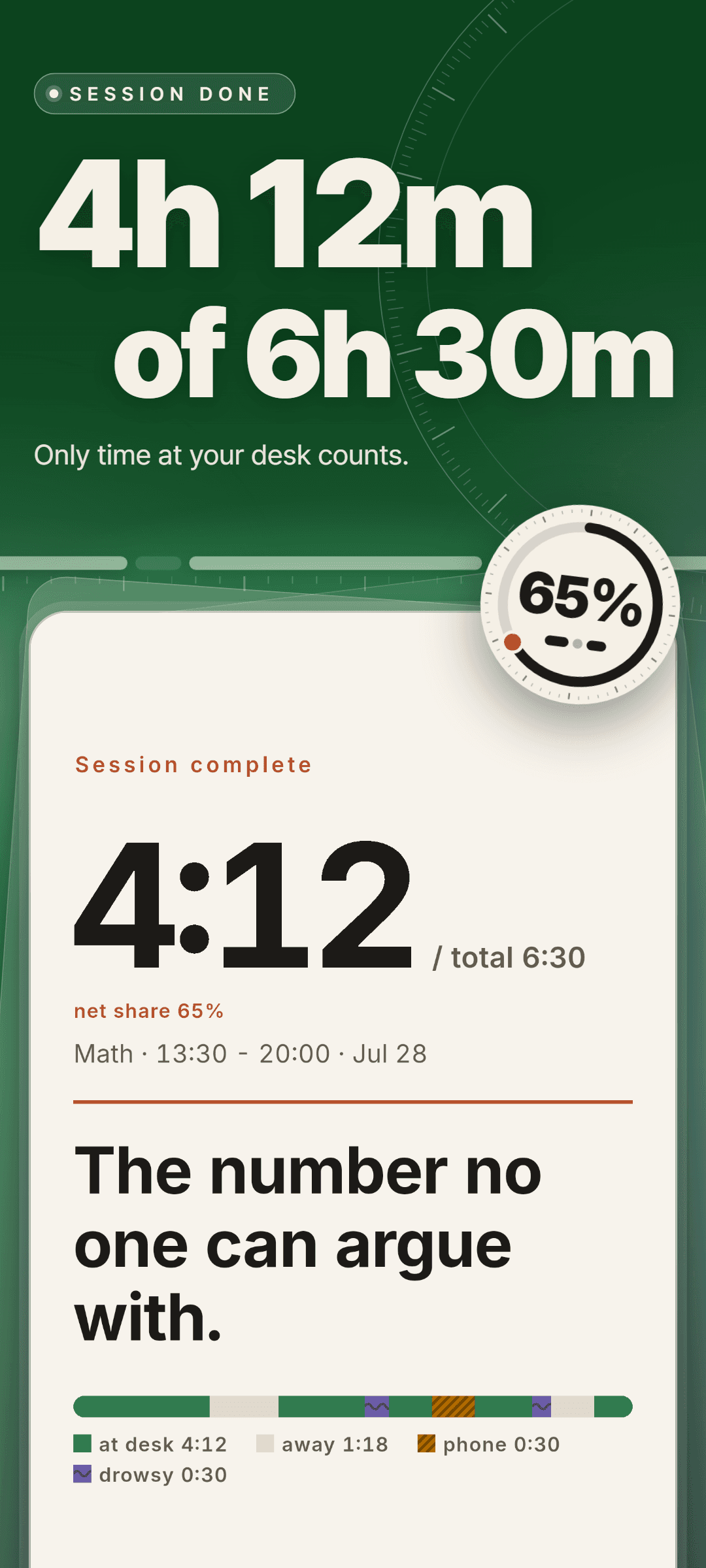
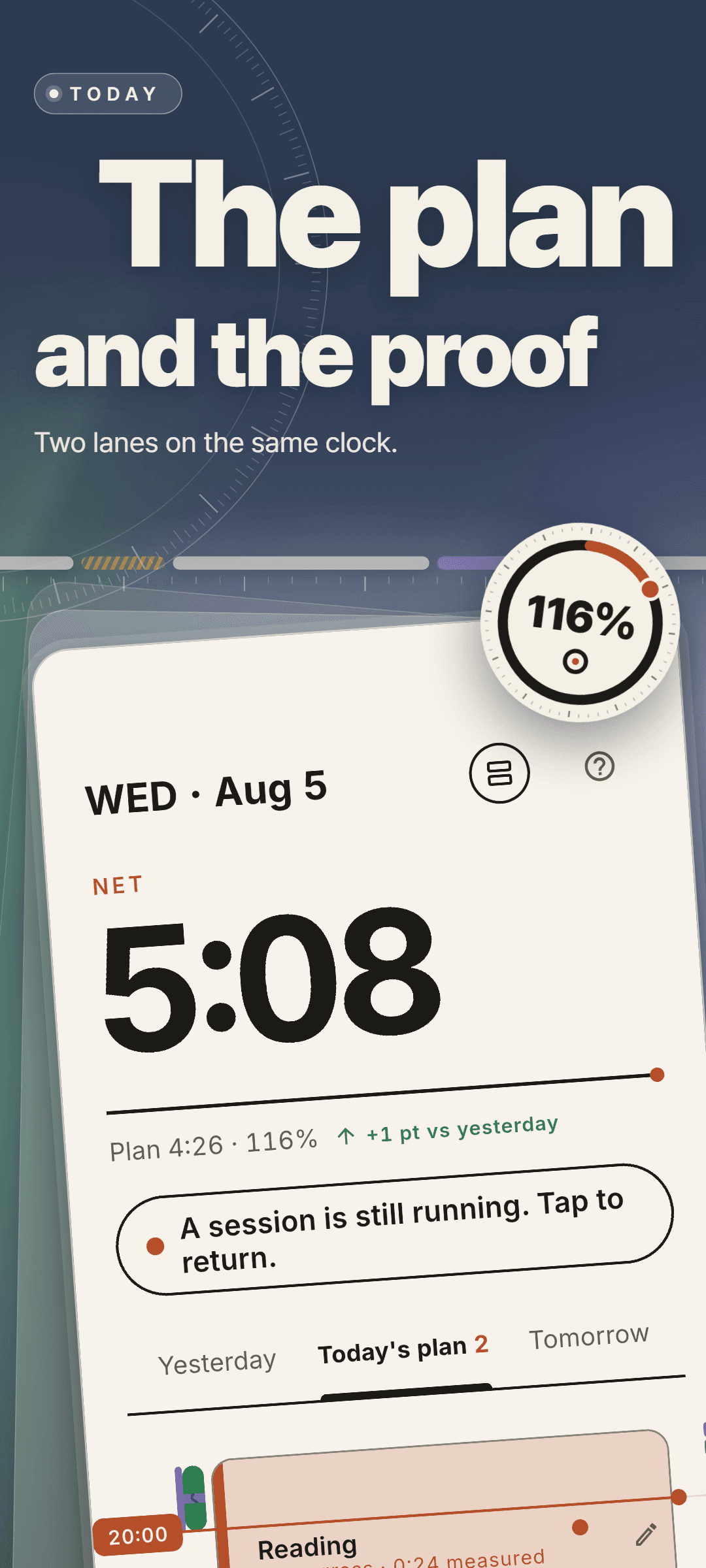
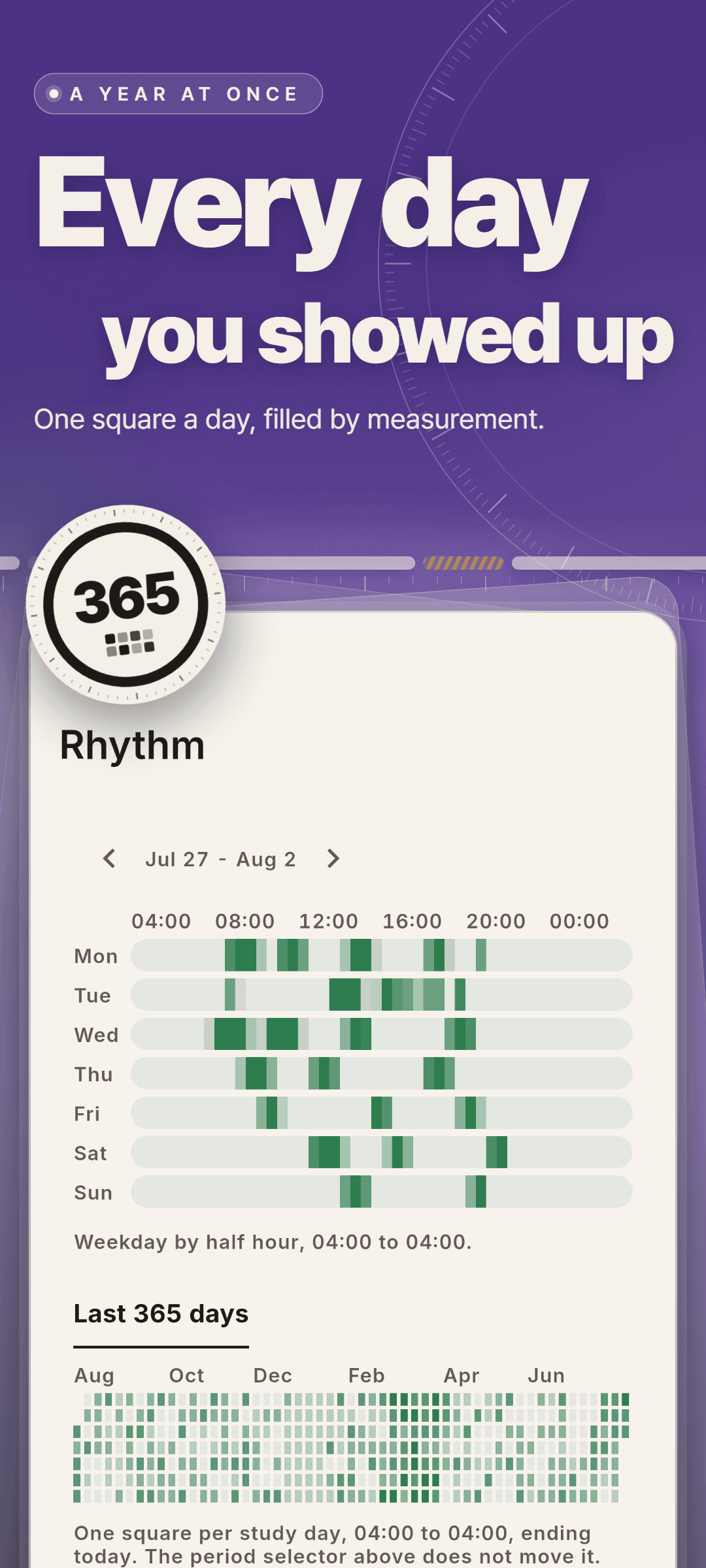
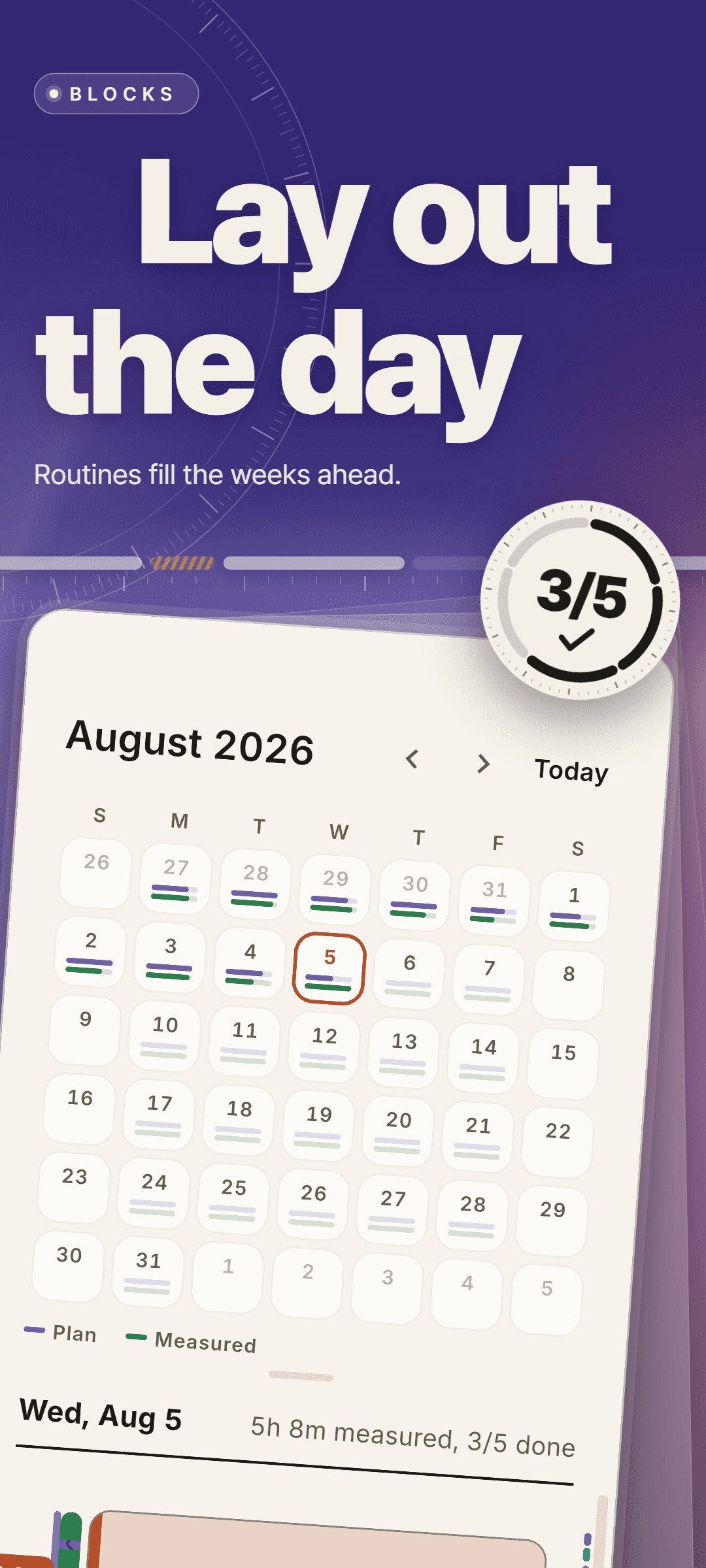
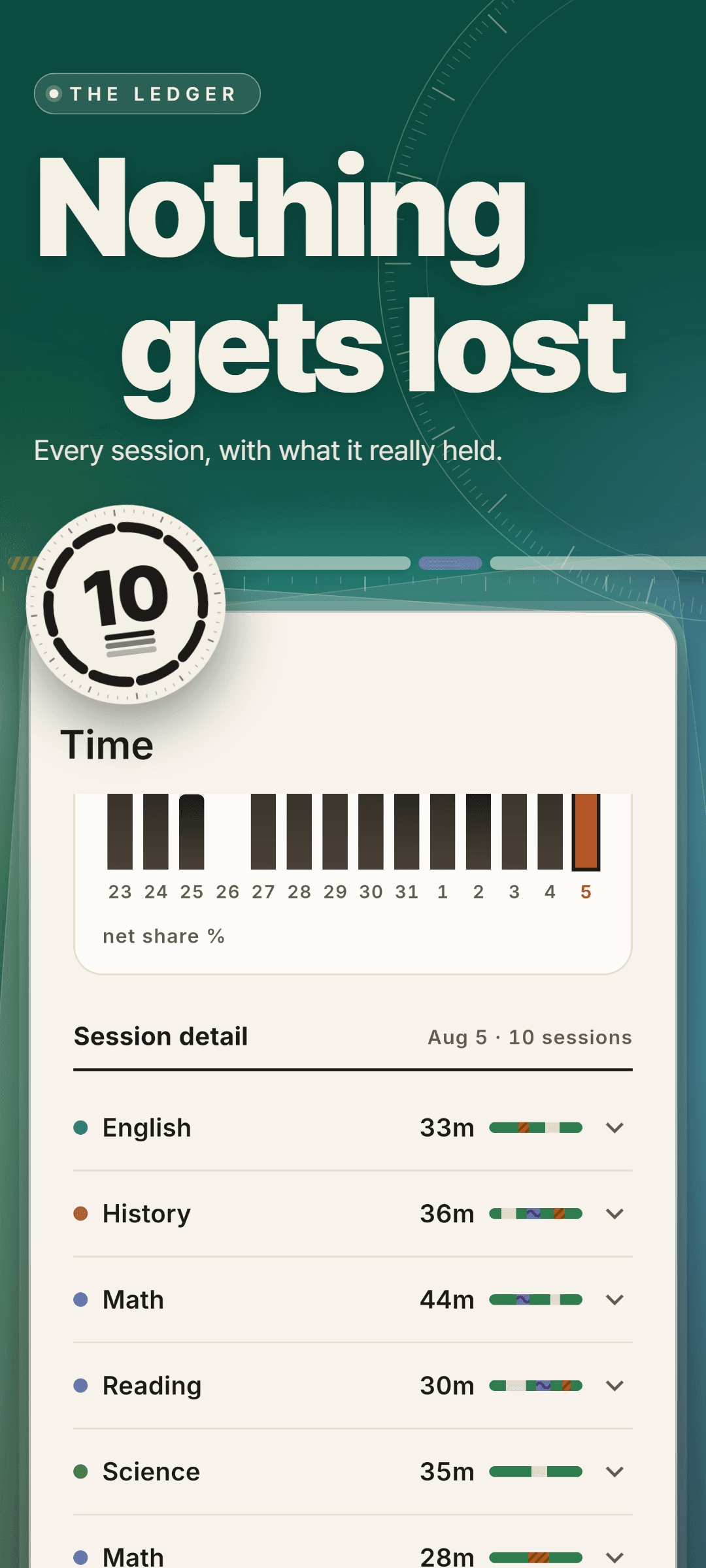
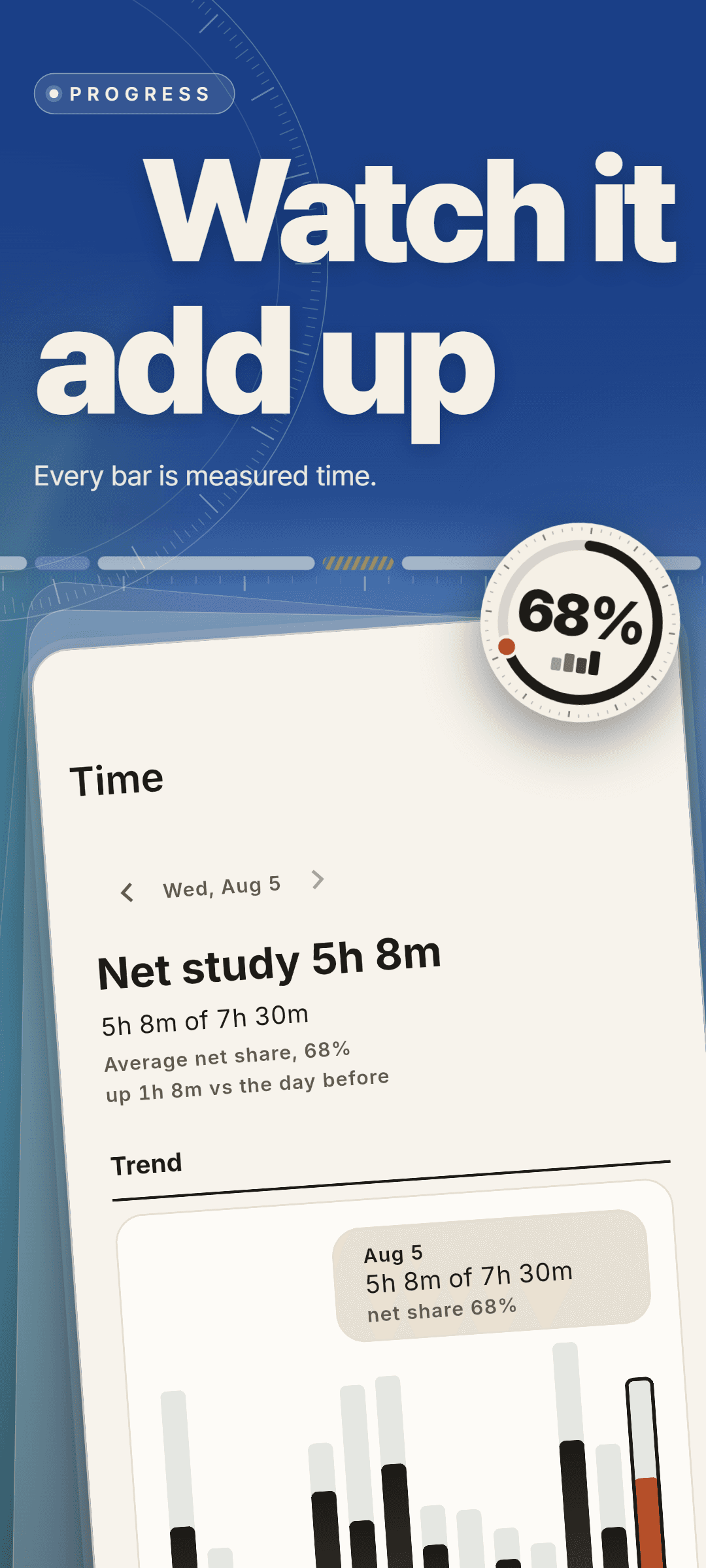
Stop estimating how much you studied. Studial is a measuring instrument for study time: every 30 seconds it checks that you are really at your desk, and only what passes that check is counted. A stopwatch has to believe you. An instrument checks.
How it works
- 1In net study mode the front camera takes a brief look to confirm you are at your desk. In focus mode no camera is used at all, and only the time your phone is left alone is counted.
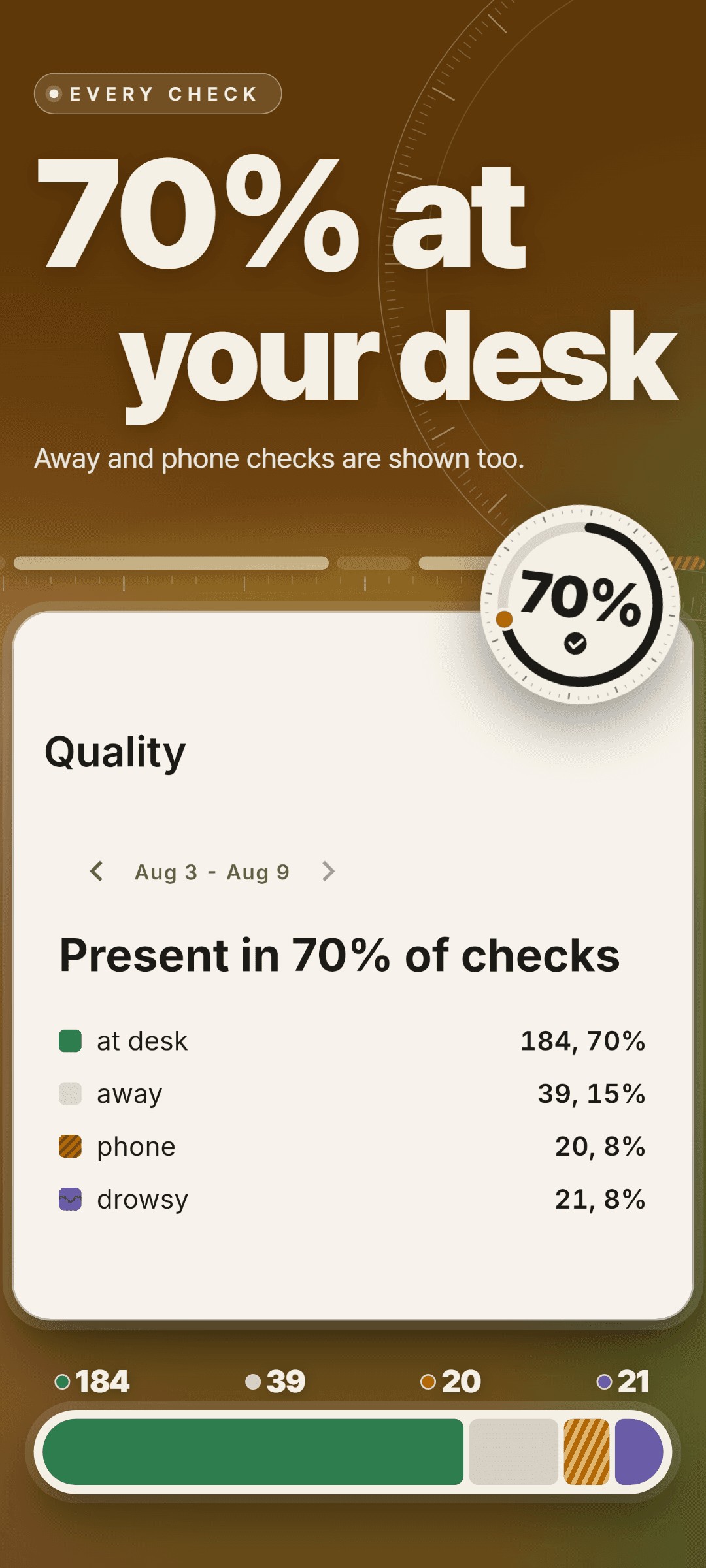
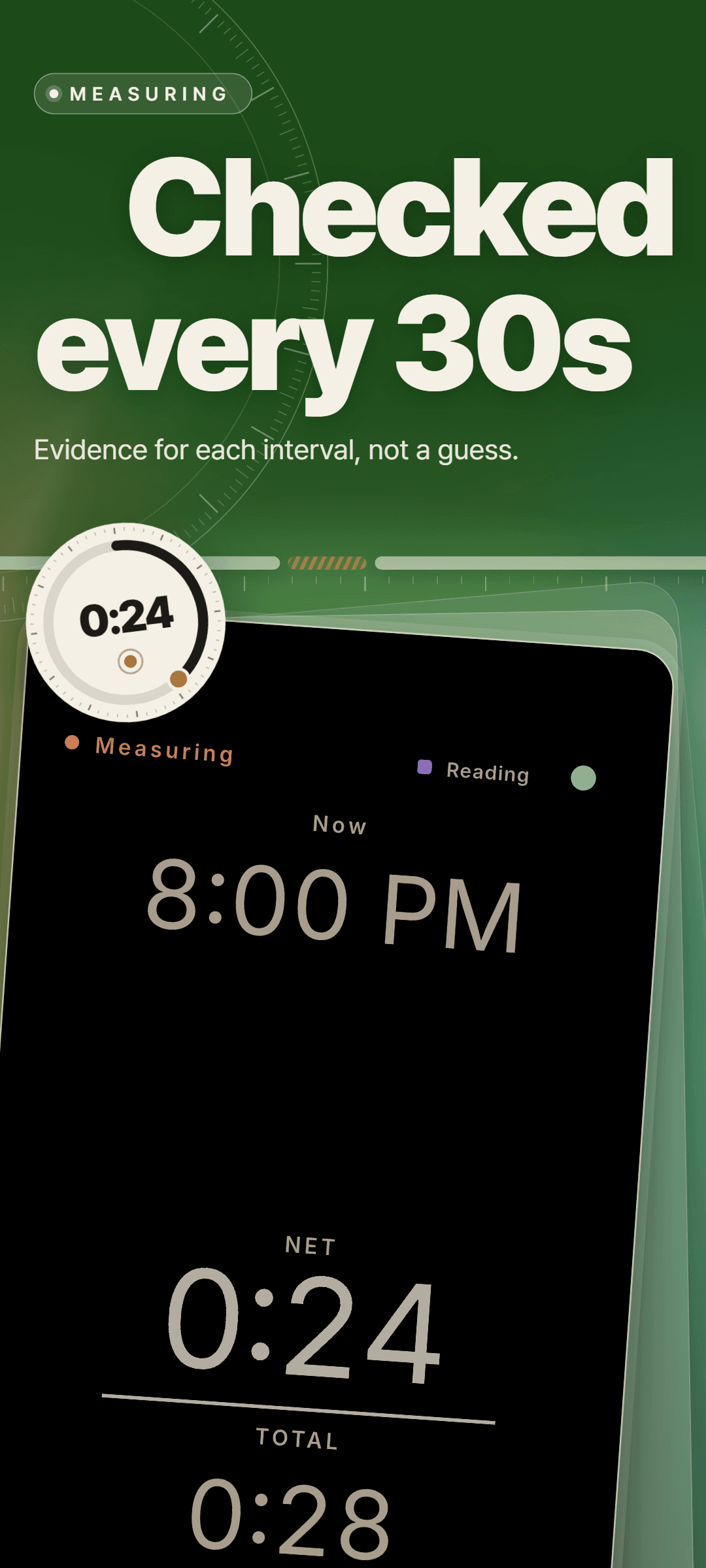
- 2Every 30 seconds one interval is judged and gets exactly one verdict - at desk, focus, away, phone, drowsy or not measured.
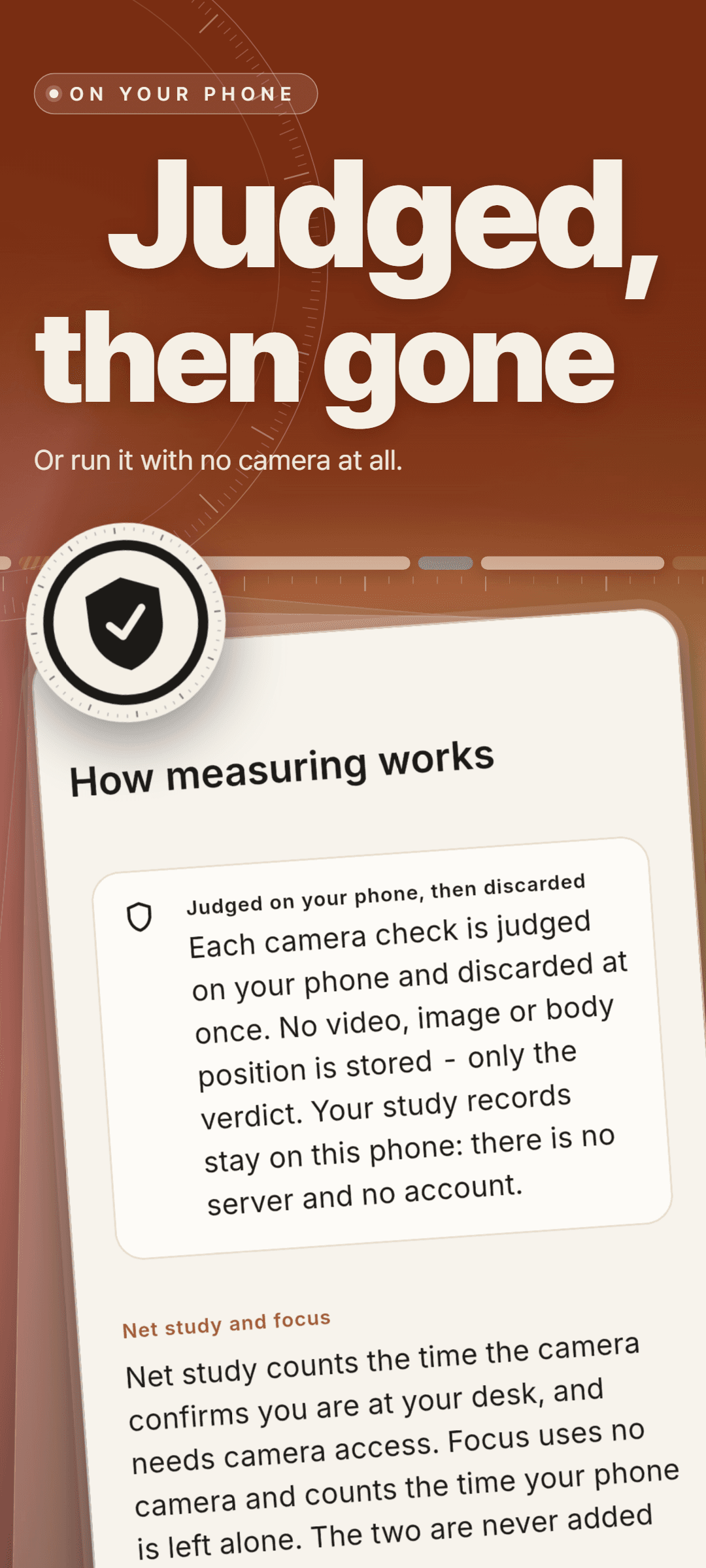
- 3Each camera check is judged on your phone and discarded in the same instant. Only the verdict is kept.
- 4When you stop, you see net time out of total time, your net share as a percentage and a timeline showing exactly where you left and where the phone came up.
- 5Lay the day out as time blocks with a subject each. A second lane drawn from what was actually measured runs beside it, so the plan and the reality sit on the same clock.
Why Studial
- A stopwatch has to believe you. Studial checks every 30 seconds, so the hours it shows are hours you were really at your desk.
- Not a single number on the session summary was typed in by hand.
- No video, image or body position is ever stored. There is no account and no server, so your records stay on this phone.
- Focus mode uses no camera at all, and drowsiness detection stays off unless you turn it on.
- The day starts at 4 in the morning, so study that runs past midnight is never cut in half by the calendar.
- Measuring, planning, insights and backup are free for everyone, and no feature is locked.
What's inside
- Net study mode with a camera check every 30 seconds, and a focus mode that uses no camera
- A session summary with net time out of total time, net share as a percentage and a timeline of the session
- A day plan in time blocks, each with a subject, with a measured lane running beside it
- Routines: weekday templates that lay out your recurring blocks weeks ahead
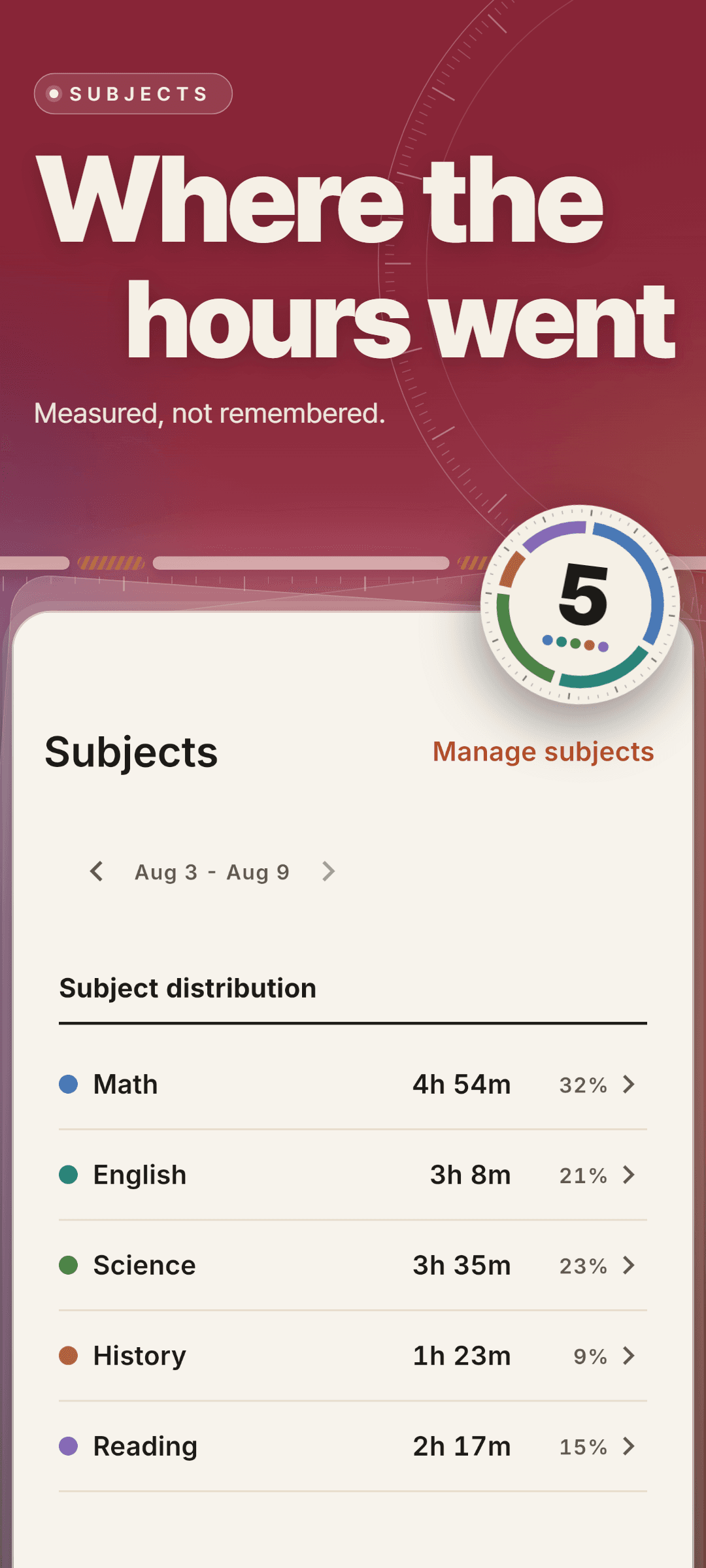
- Subjects with their own colour, and the share of time per subject
- Insights on six axes - time, rhythm, quality, plan, subjects and records - built from measured sessions alone
- Optional drowsiness detection that looks only at whether your eyes are shut or your head is down on the desk
- A backup of your records, plans, routines and subjects in one file, and restore from that file
Stop estimating how much you studied - see the hours you actually studied.
Frequently asked questions
Does Studial cost anything?
Measuring, planning, insights and backup are free for everyone, and no feature is locked. Studial is kept running by ads. On iOS, one purchase removes the ads, and there is no subscription.
Who is it for?
Anyone who studies at a desk - for exams, school or college - and wants to know how many of those hours were real study instead of an estimate.
Does the camera record me?
No. In net study mode the front camera takes a brief look every 30 seconds, and each check is judged on your phone and discarded in the same instant. No video, image or body position is ever stored - only the verdict. There is no account and no server, so your records stay on this phone. Focus mode uses no camera at all.
Do I have to log my study time?
No. While a session is running, Studial judges one interval every 30 seconds on its own. When you stop, the net time, net share and timeline are already there - not a single number is typed in by hand.
Which platforms is it on?
Studial is available on Android and iOS, in ten languages: English, Korean, Japanese, German, French, Spanish, Portuguese, Italian, Simplified Chinese and Traditional Chinese.