
Tripvera
A trip itinerary in minutes, shared with one live link
Your trip, day by day, in minutes. No signup. One live link for everyone.


Screenshots
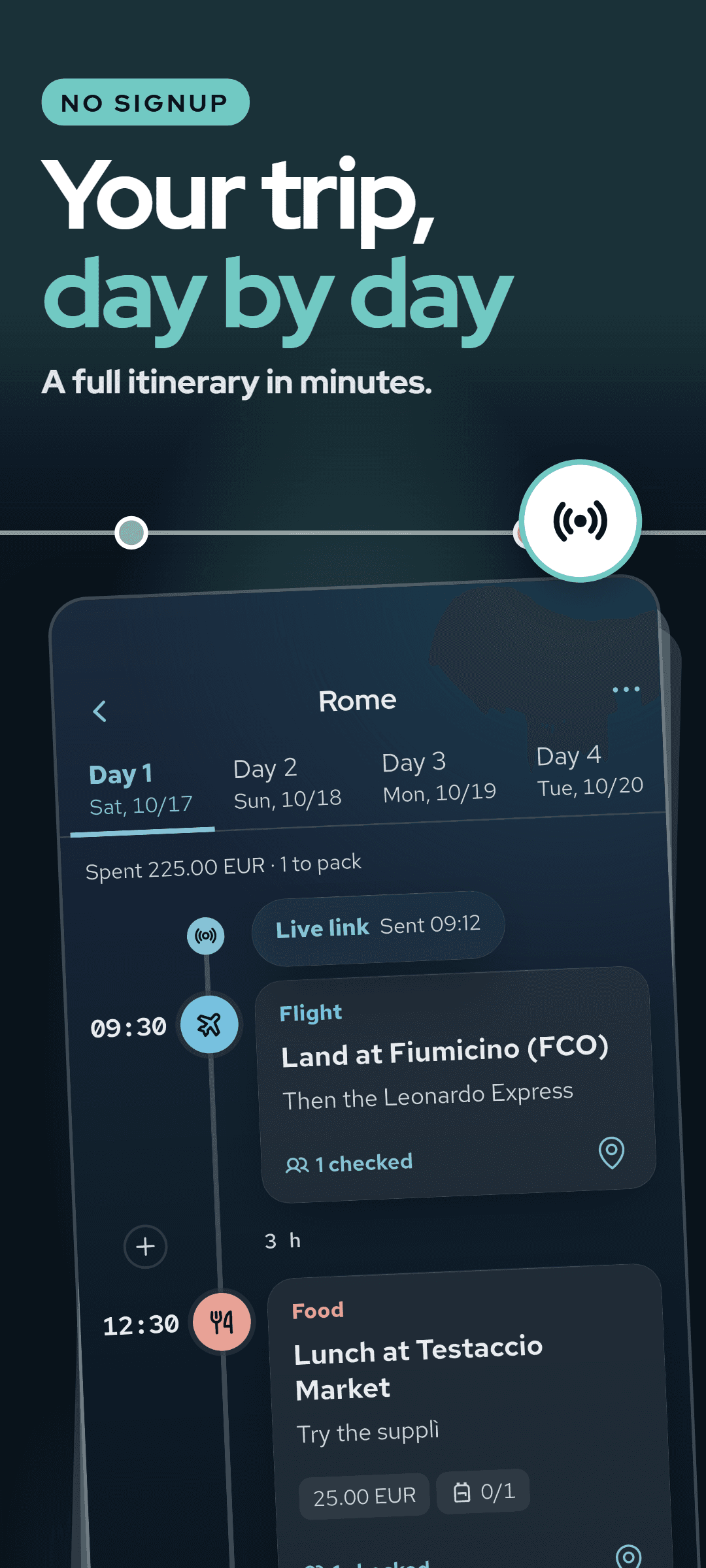
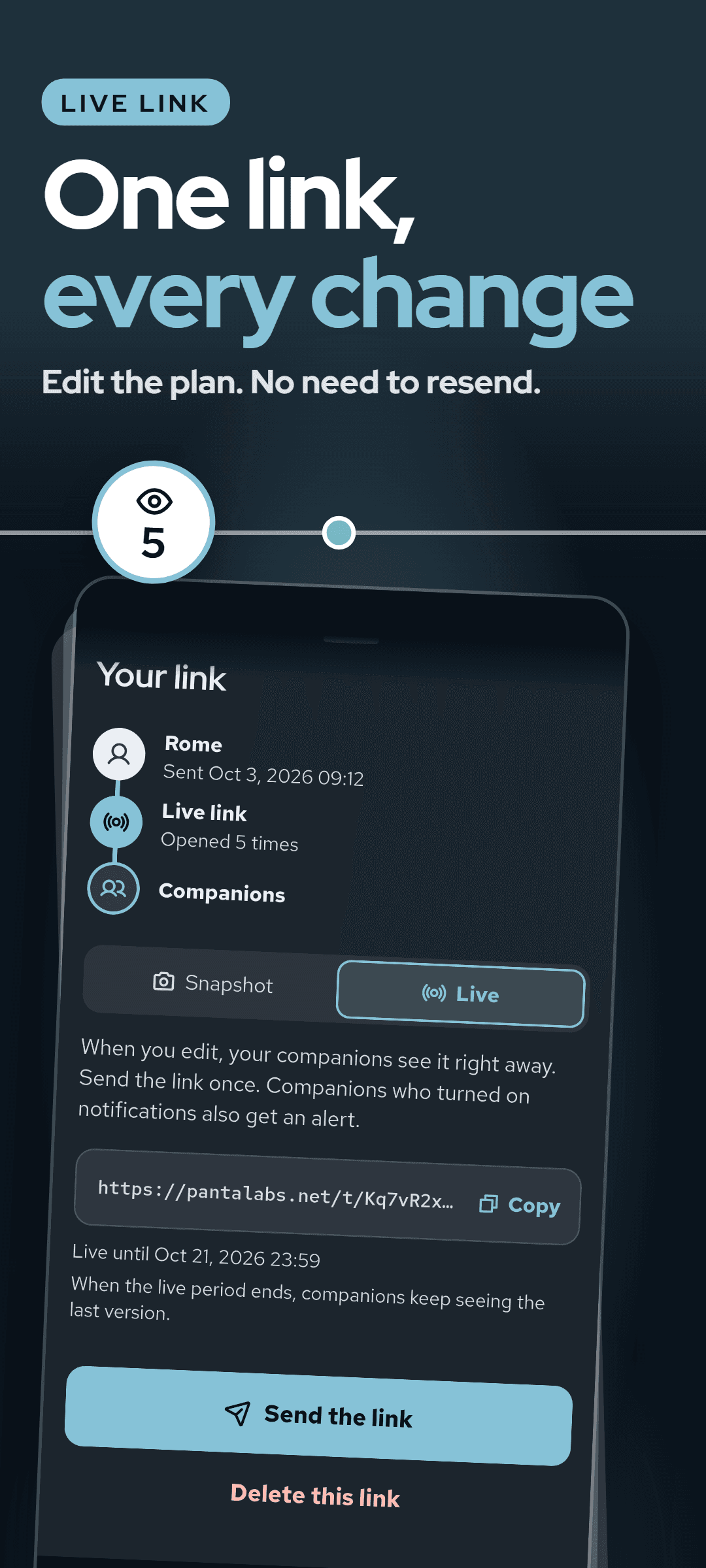
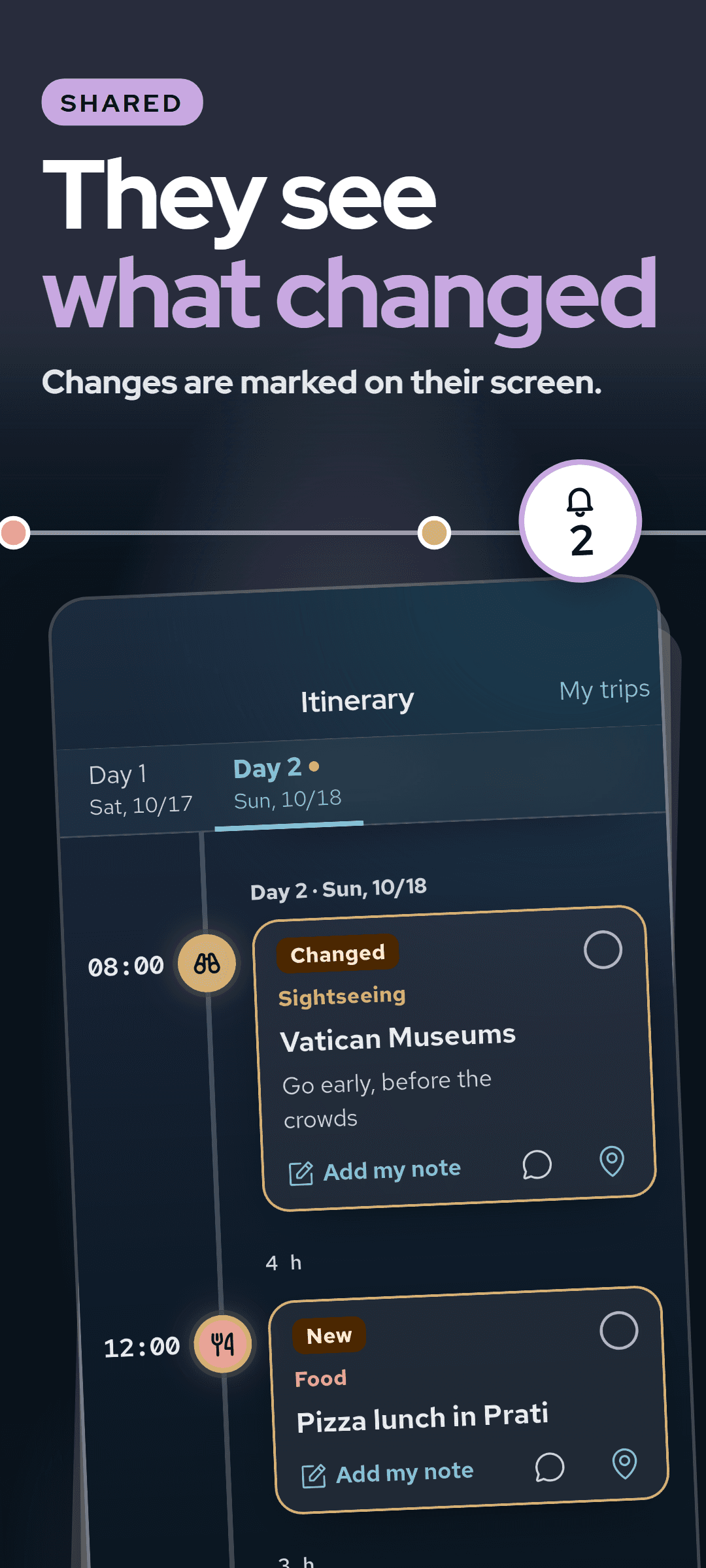
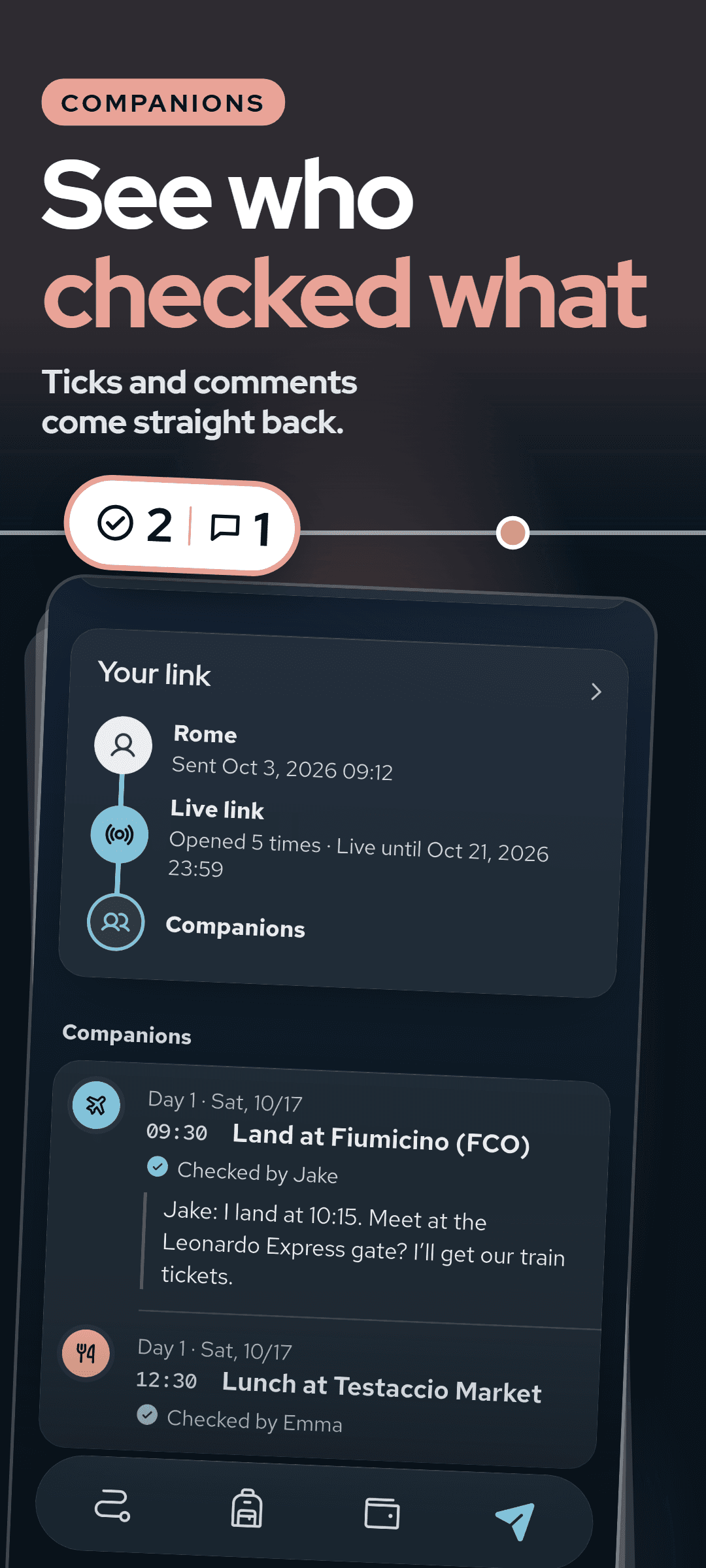
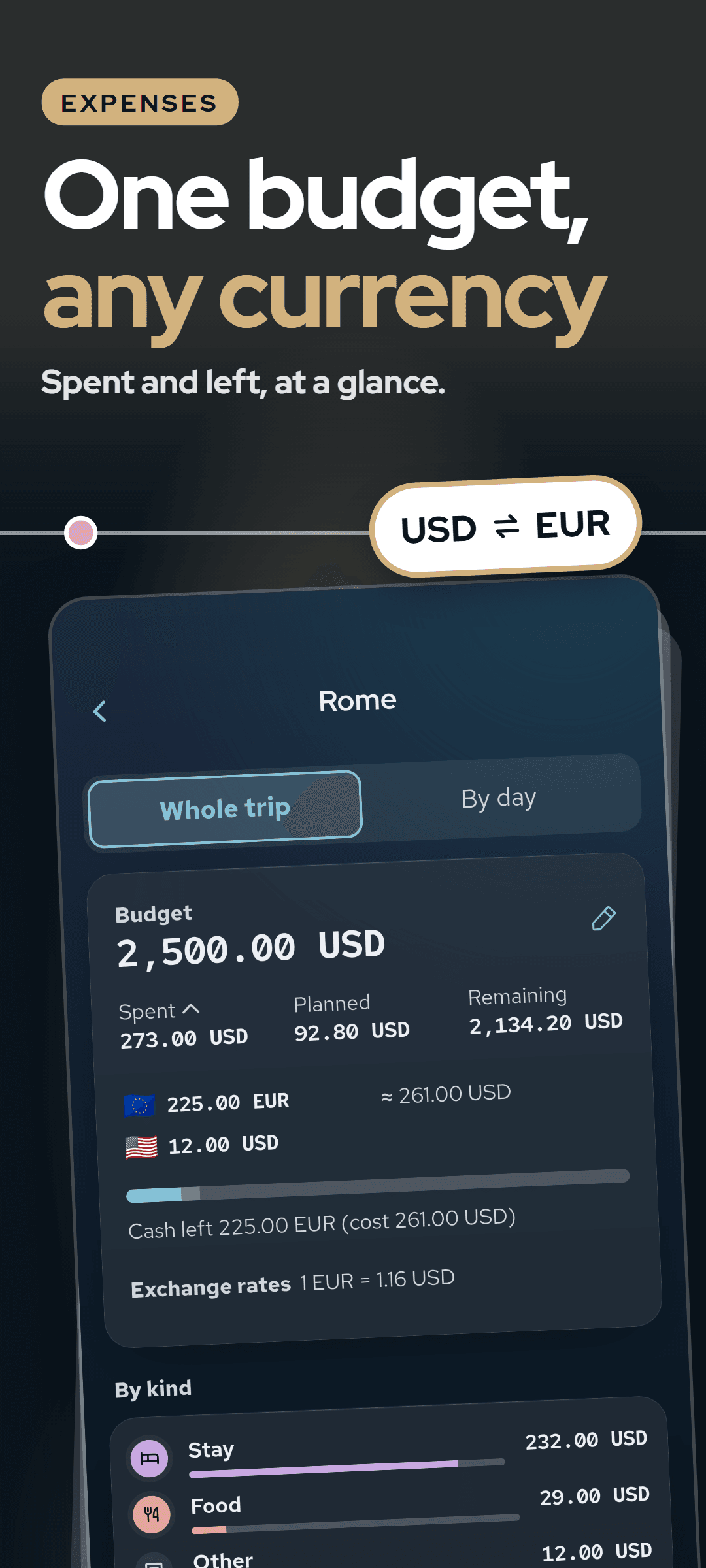
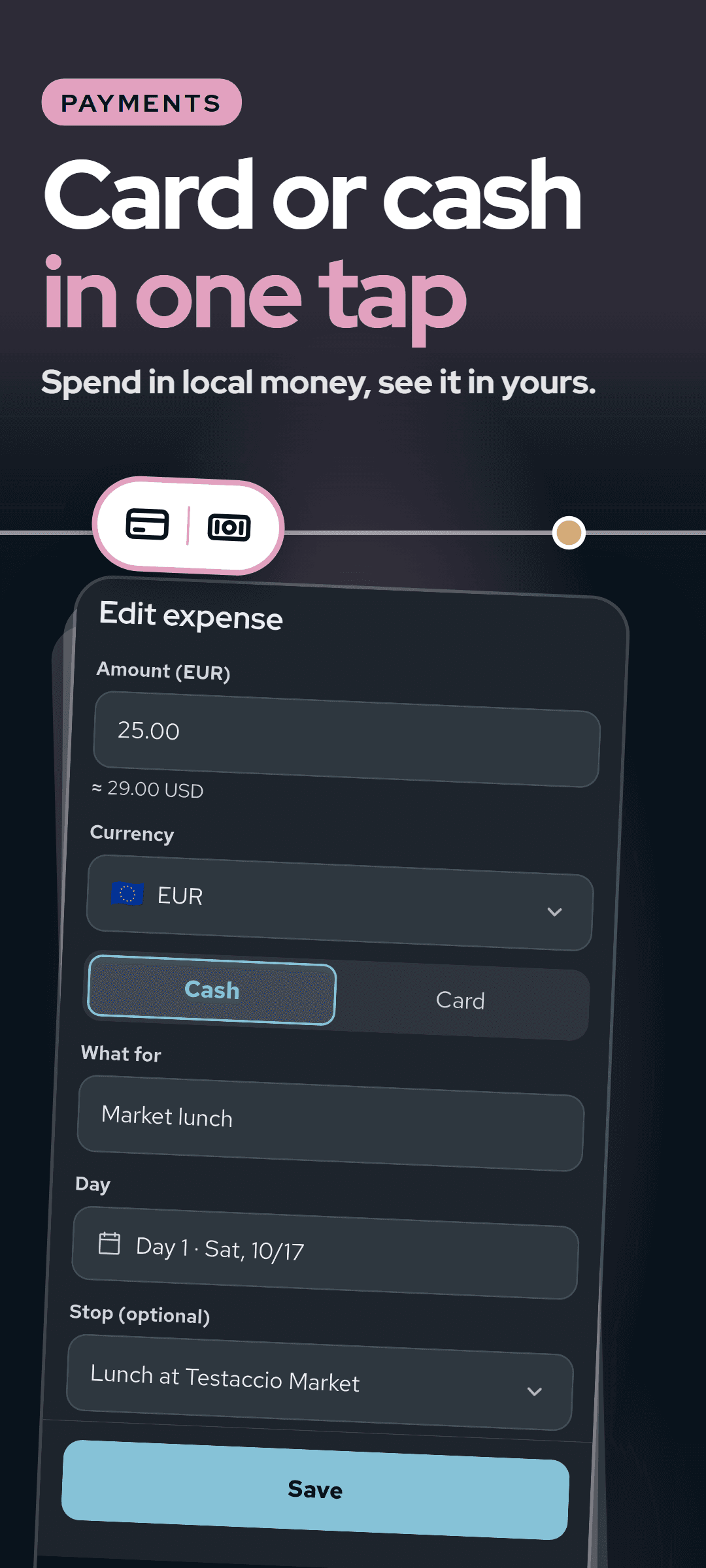
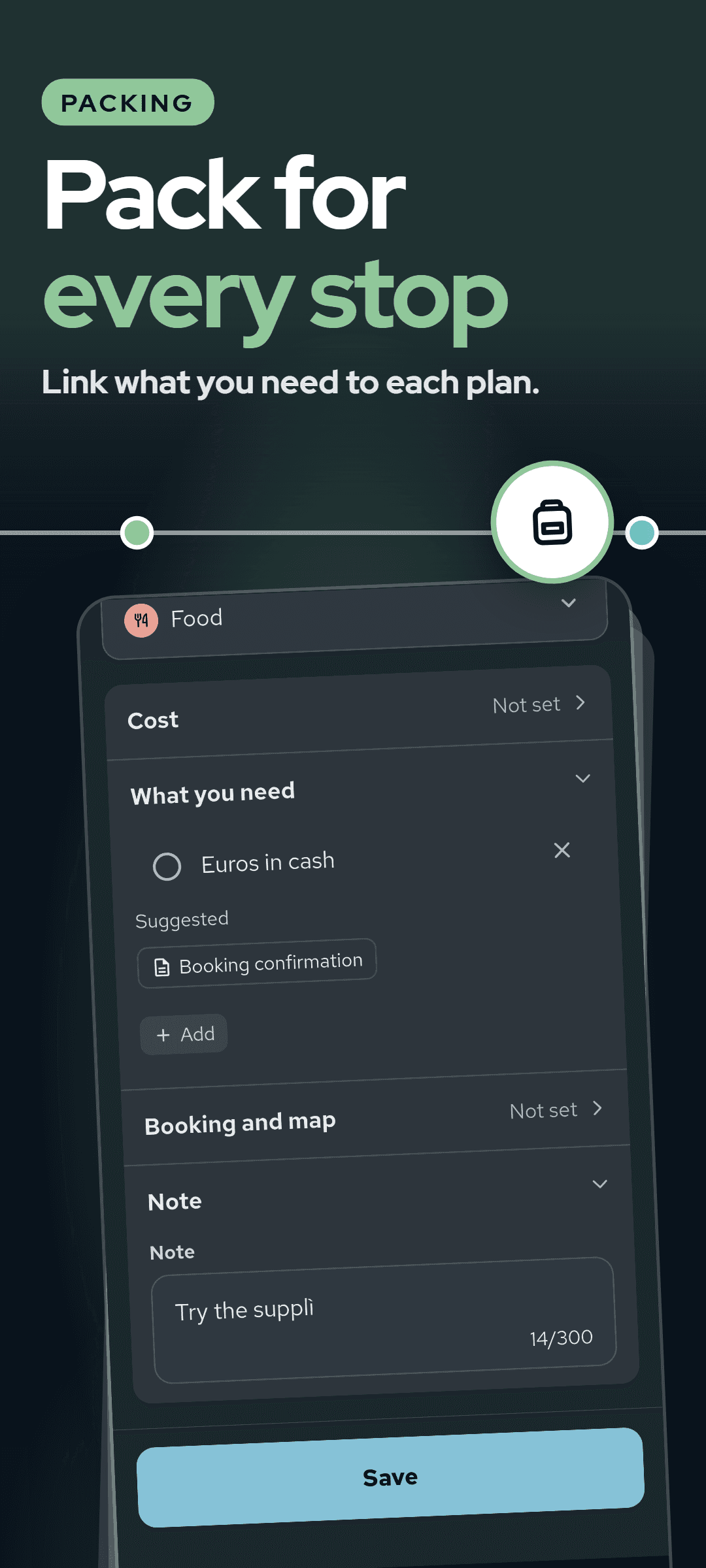
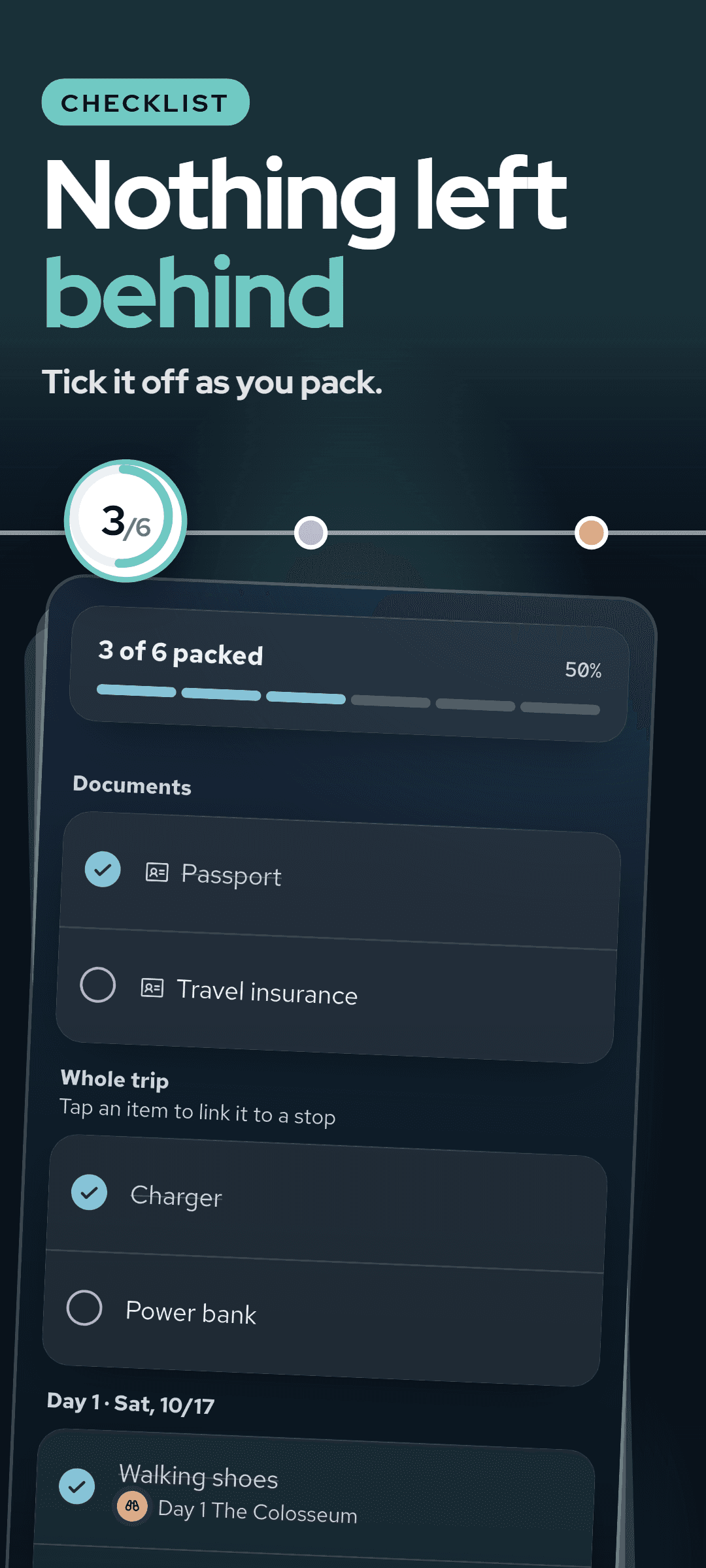
Plan the trip, share it with one live link, and keep expenses and packing in the same place. No signup. Open Tripvera and you are already writing the first stop. No account to create, no questions to answer, no loading screens.
How it works
- 1Open Tripvera and write the first stop: a time, a place and a note. There is no account to create first.
- 2Flights, stays, meals, sightseeing and transport each get their own mark on the timeline. Drag a stop to a new spot, or over to another day.
- 3Send your companions a single link. With a live link, every edit you make reaches their screen on its own a few seconds later.
- 4Companions open the link in the Tripvera app, tick off each stop they have seen and leave a short comment, and it all comes back to you.
- 5During the trip, note what you spend in cash or by card, tick off your packing and see what is on now and what comes next.
Why Tripvera
- No more sending the plan again each time it changes. A live link keeps everyone on the latest version, and companions who turned on notifications get an alert.
- No signup, for you or for your companions.
- Your companions answer back. Ticks and comments come straight to you, and changed or new stops are marked on their screen.
- No loading, even on the plane. The plan lives on your phone, and editing never waits for the network.
- Private by design. The key to a shared plan travels inside the link itself, so our server only ever holds a copy it cannot read.
What's inside
- A live link that carries every edit to your companions' screens a few seconds later, or a snapshot link that keeps the plan exactly as it was sent
- Companion ticks and short comments that come back to you, with no account on their side either
- Expenses in cash or by card with a budget, any mix of currencies at the rates you enter, spending by currency and the exchanged cash still left
- A packing list linked to the stops that need each item, ticked off as you pack
- A day-by-day timeline with a time, a place and a note for each stop, and its own mark for flights, stays, meals, sightseeing and transport
- A home screen that shows what is on now and what comes next, a countdown before you leave and a reminder the evening before
- Export as images with no watermark, or as a PDF
- Editing that never waits for the network, saved as you type, online or offline
- Shared plans, comments and backups encrypted on your phone before they leave it
- An encrypted backup that carries your trips to a new phone and opens only with your 26-character recovery code
Write the plan in minutes and send one link. Every change after that reaches your companions on its own.
Frequently asked questions
Does Tripvera cost anything?
On Android every feature is open, including PDF export, the packing list and expenses. A live link opens when you watch a short ad, and each ad adds more time. On iOS, writing plans, snapshot links, image export, companion checks and comments, and the encrypted backup are open to everyone. A one-time Tripvera Pro purchase removes the ads and adds a live link with no expiry, PDF export, the packing list, expenses and budget, and the Today card with the evening reminder. There is no subscription.
Who is it for?
Anyone planning a trip with other people who wants one plan everyone can follow. You write the plan and send one link, and your companions see every change and answer back with ticks and comments.
Do I need an account, and who can read my plans?
No account, for you or your companions. Your plans live on your phone. Shared plans, comments and backups are encrypted on your phone before they leave it, and the key to a shared plan travels inside the link, so our server only holds a copy it cannot read. For links to work, the server keeps a companion's nickname, their check marks and link details such as how many times it was opened. You can remove all of it from the server in Settings.
How long does it take to plan a trip?
Minutes. Open the app and you are already writing the first stop: give each stop a time, a place and a note. Sharing is one link, and changes after that need no resending.
Which platforms is it on?
Tripvera is available on Android and iOS, in ten languages: English, Korean, Japanese, German, French, Spanish, Portuguese, Italian, Simplified Chinese and Traditional Chinese. Companions open a shared link in the Tripvera app, so they install it too.